The Best Free Email Marketing Services in 2026: A Practical Guide
Compare the best free email marketing services in 2026. In-depth reviews of Kit, Brevo, MailerLite, Sender, and more. Find the perfect tool for your business needs.
Looking to start email marketing without breaking the bank? You're in the right place. Free email marketing tools have come a long way, and many now offer surprisingly robust features that can rival paid platforms.
In this guide, I'll walk you through the best free email marketing services available right now, what they offer, and which one might be the right fit for your business.
Why Use a Free Email Marketing Service?
Before we dive into the specific tools, let's address the obvious question: are free email marketing services actually worth it?

The short answer is yes—especially if you're just starting out or running a small business with a limited budget. Many established companies like Mailchimp, Brevo, and MailerLite offer generous free plans that include: Professional email templates, automation capabilities, subscriber management, analytics and reporting, mobile-responsive designs, and integration with popular tools.
The catch? There are usually some limitations around the number of subscribers you can have or emails you can send per month. But for many small businesses and startups, these limits are more than sufficient.
What to Look For in a Free Email Marketing Tool
When evaluating free email marketing services, here are the key factors to consider:
1. Subscriber limits: How many contacts can you store? Some tools cap this at 500, while others allow up to 10,000 or even unlimited subscribers.
2. Sending limits: How many emails can you send per month? Watch out for daily limits too—some services restrict you to just a few hundred emails per day.
3. Features included: Does the free plan include automation, landing pages, A/B testing, or segmentation? Or are these reserved for paid tiers?
4. Email templates: Are there quality templates available, or will you need to build everything from scratch?
5. Ease of use: Is the interface intuitive? Can you create and send a campaign without needing a technical background?
6. Deliverability: Will your emails actually reach inboxes, or will they get flagged as spam?
7. Branding: Most free plans include the provider's branding in your emails. Can you live with that?
8. Support: What kind of customer support is available on the free plan?
The Best Free Email Marketing Services (2026)
Let me break down the top options, starting with my favorites.
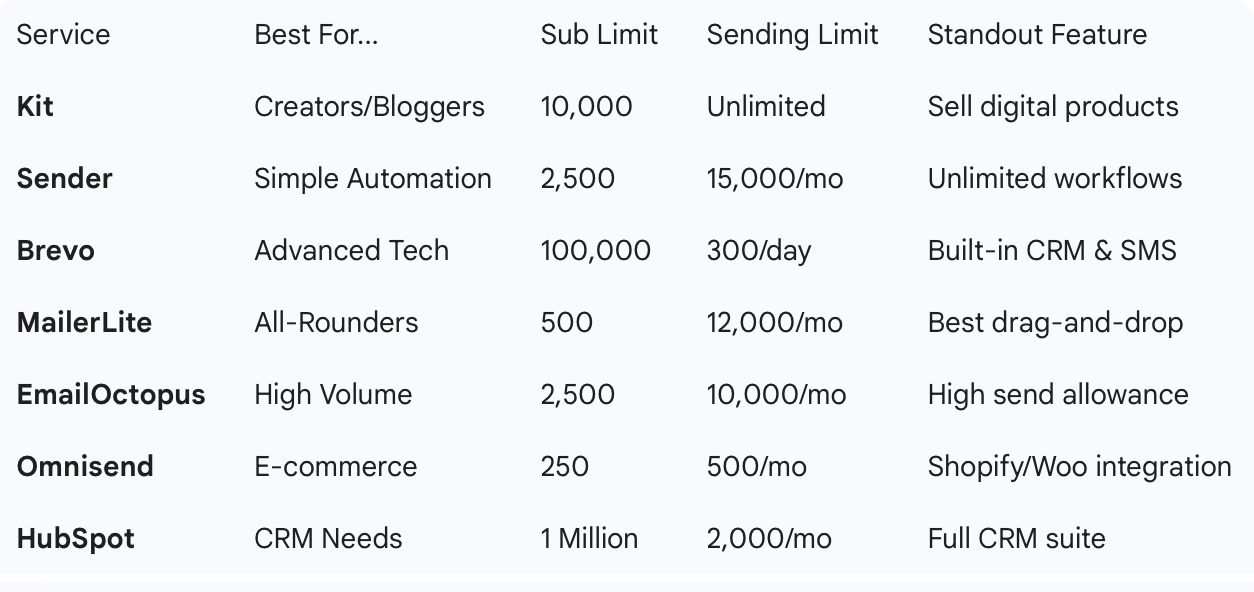
1. Kit (formerly ConvertKit) - Best for Creators and Bloggers
Free plan includes:
- Up to 10,000 subscribers
- Unlimited email sends
- Landing pages
- Forms
- Ability to sell digital products
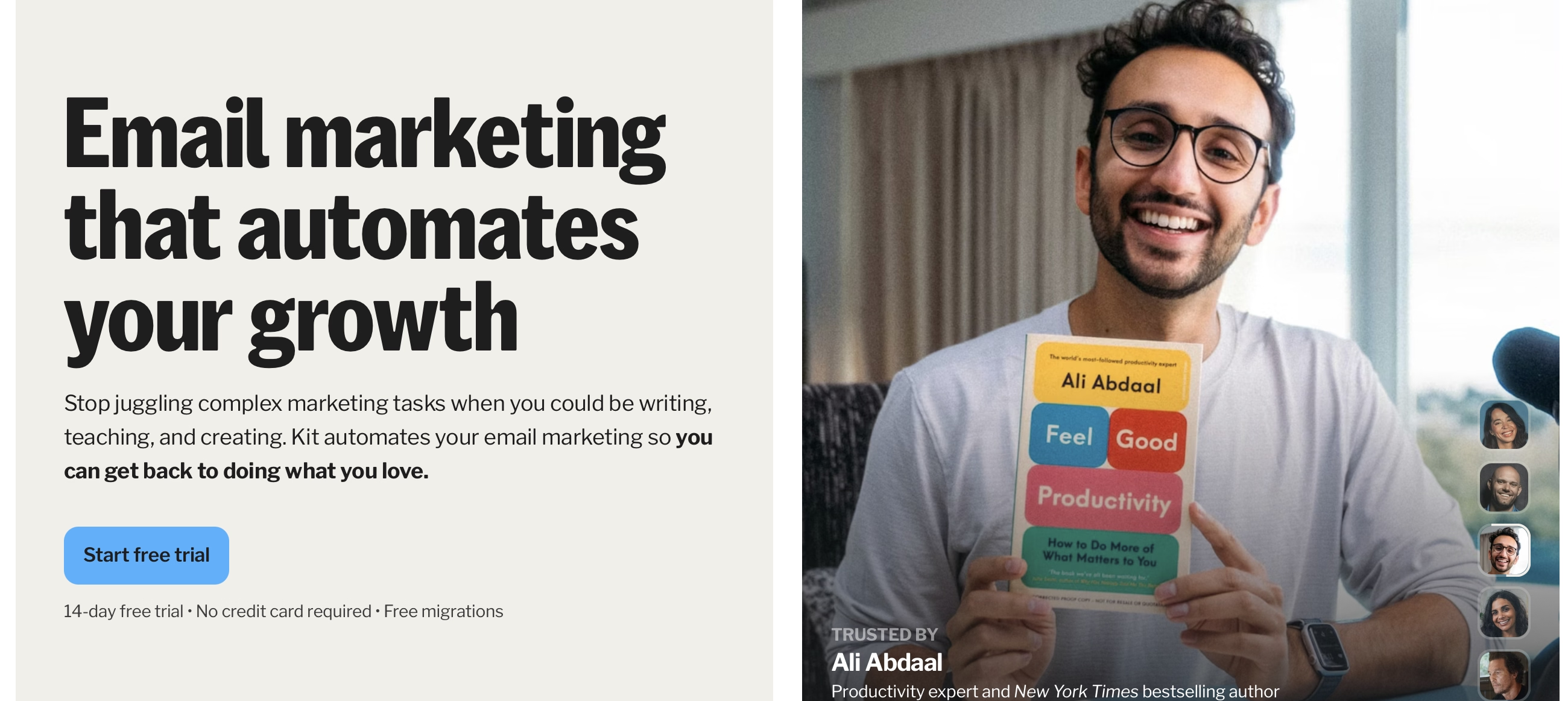
Kit stands out with one of the most generous free plans available. If you're a blogger, podcaster, or content creator, this is probably your best bet.
What I like: The platform is specifically designed for creators. You can not only build your email list but also sell digital products and subscriptions directly through the platform. The landing page builder is solid, and the forms are easy to customize.
The catch: On the free plan, you'll need to display other creators' newsletters in your signup process (part of their Creator Network). You also can't remove Kit's branding, and you're limited to just one automation and one email sequence. Still, for creators with under 10,000 subscribers, it's hard to beat.
Best for: Bloggers, podcasters, YouTubers, and other content creators looking to monetize their audience.
2. Sender - Best for Simplicity and Automation
Free plan includes:
- Up to 2,500 subscribers
- 15,000 emails per month
- Unlimited automation workflows
- Email and form templates
Sender flies under the radar compared to bigger names, but it's one of the easiest email marketing tools I've used.
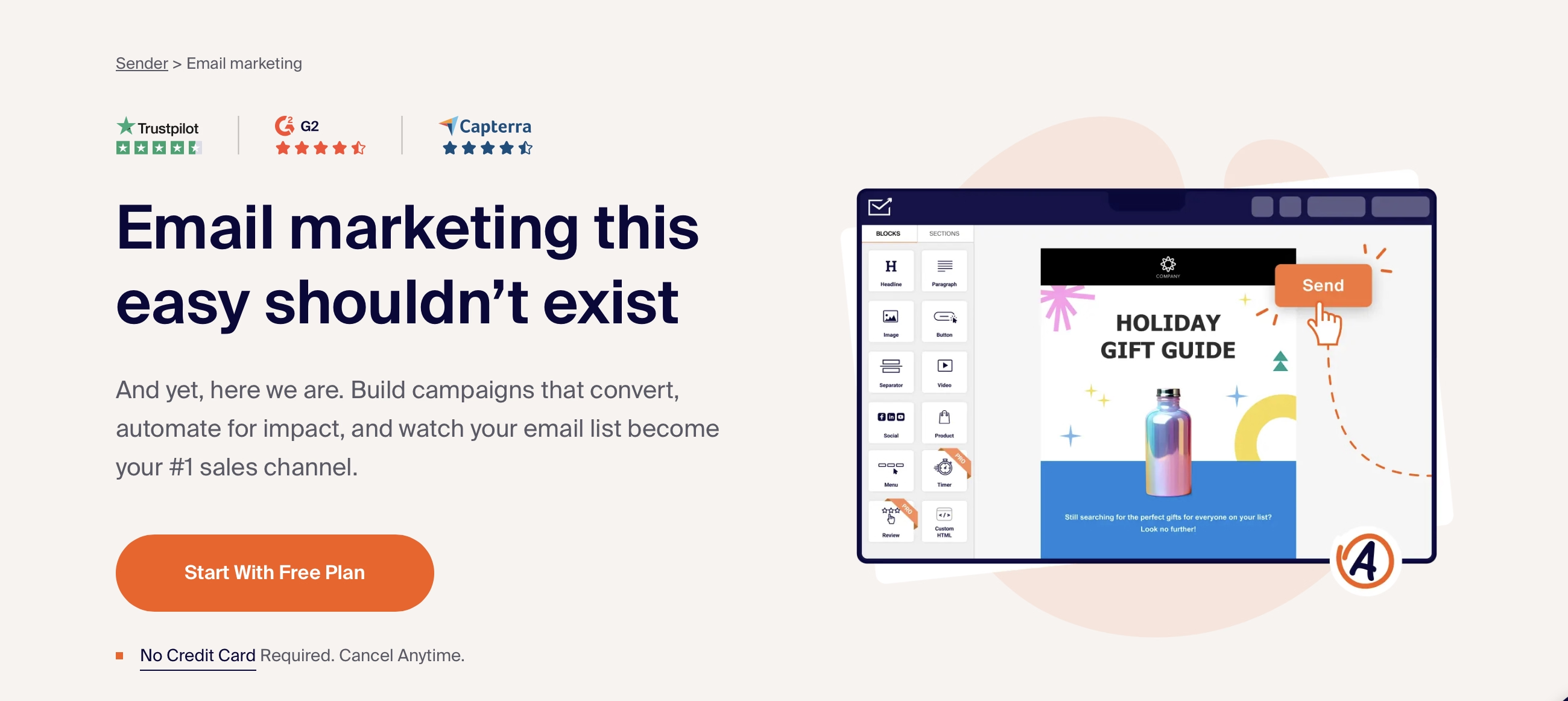
What I like: The interface is clean and intuitive. Despite being free, you get unlimited automation workflows, which is rare. You can set up welcome sequences, abandoned cart emails (if you have an e-commerce site), and more. The email editor is simple but effective.
The catch: The email editor is pretty basic compared to more advanced tools. If you need highly customized, design-heavy emails, you might find it limiting.
Best for: Small businesses that want a straightforward tool with solid automation features without the complexity of larger platforms.
3. Brevo (formerly Sendinblue) - Best for Advanced Features
Free plan includes:
- Up to 100,000 contacts (yes, really)
- 9,000 emails per month (300 per day max)
- Marketing automation
- CRM features
- SMS marketing capabilities
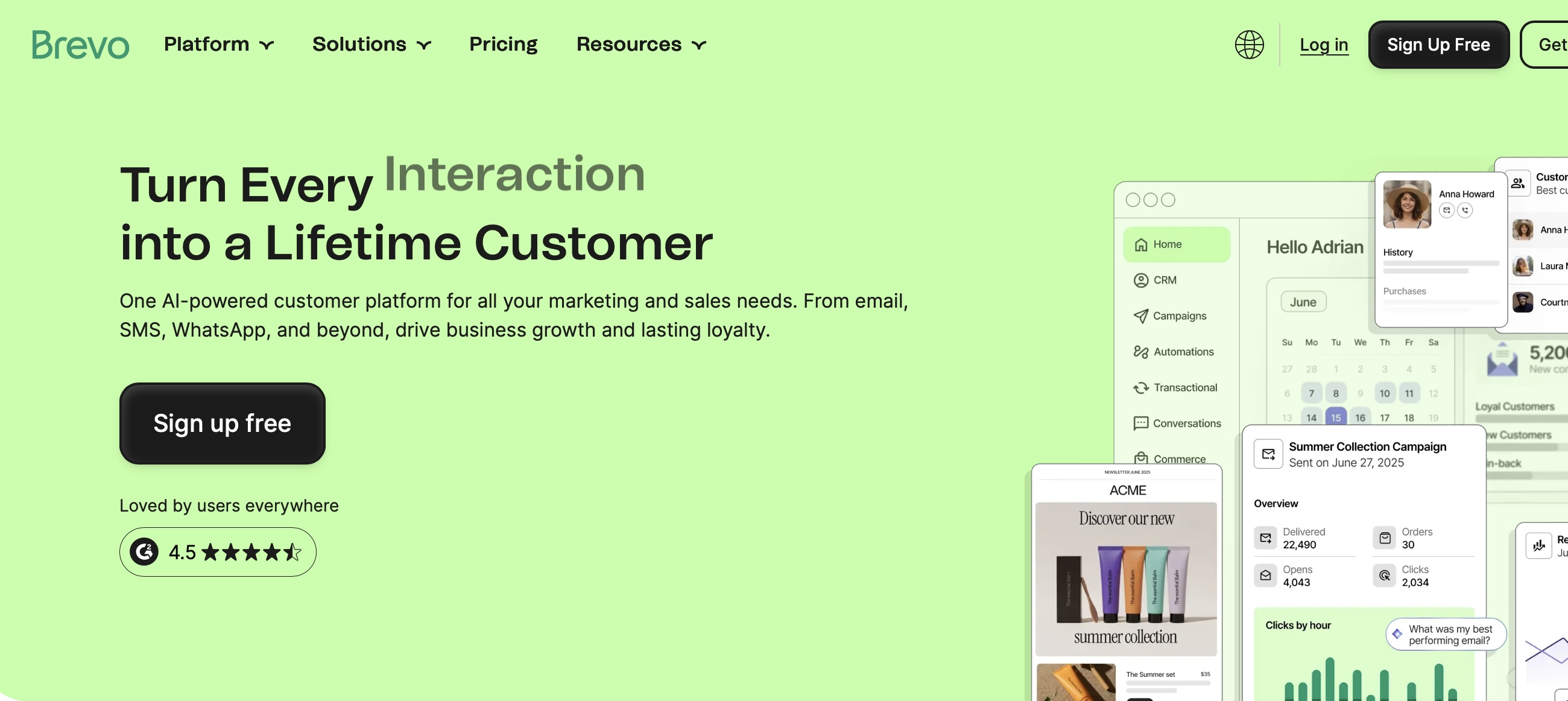
Brevo offers an incredible range of features for free, though the daily sending limit can be frustrating if you need to send larger campaigns.
What I like: The free plan includes actual marketing automation—not just basic autoresponders. You can build sophisticated workflows based on user behavior, email engagement, and more. Plus, you get a built-in CRM, which is valuable for managing customer relationships.
The catch: The 300 emails per day limit means you can't send a blast to your entire list at once if you have more than 300 subscribers. You'll also have Brevo's branding on your emails unless you upgrade.
Best for: Businesses that need automation and CRM features more than they need high-volume sending capacity.
4. MailerLite - Best All-Around Option
Free plan includes:
- Up to 500 subscribers (recently reduced)
- 12,000 emails per month
- Automation workflows
- Landing pages
- Website builder
- Pop-ups and forms
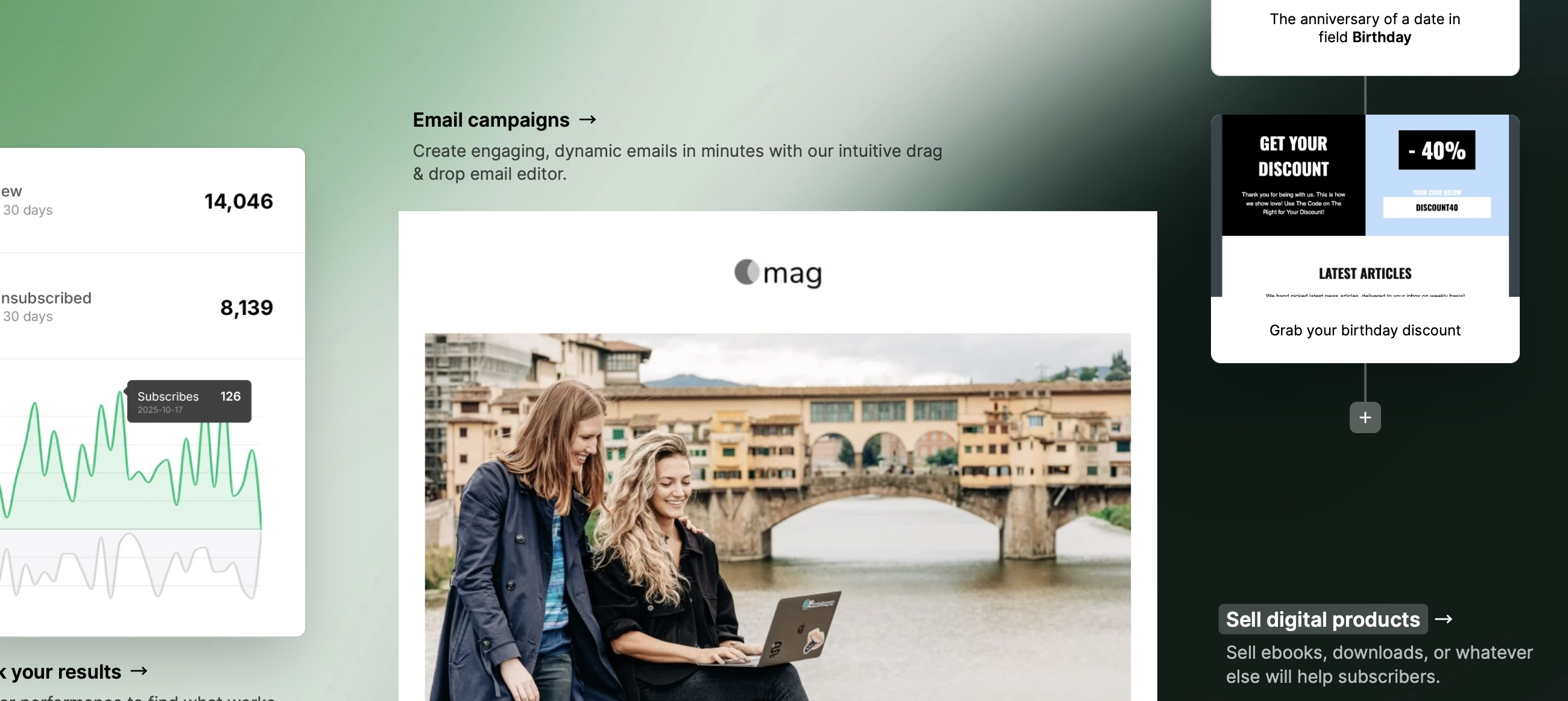
MailerLite used to have one of the most generous free plans (1,000 subscribers), but they recently cut it to 500. Still, what you get for free is impressive.
What I like: The drag-and-drop editor is excellent. Creating emails is genuinely enjoyable. You also get landing pages and a basic website builder, which is great if you don't have a website yet. The automation builder is visual and easy to understand.
The catch: The subscriber limit is now quite restrictive. You'll outgrow it quickly. Also, templates aren't included on the free plan—you'll need to build your own designs.
Best for: Small businesses and solo entrepreneurs who are just starting to build their email list and want a user-friendly tool with good features.
5. Omnisend - Best for E-commerce
Free plan includes:
- 250 contacts
- 500 emails per month
- Pre-built automation workflows
- SMS messages (60 international credits)
- Web push notifications
- Landing pages
If you run an online store on Shopify, WooCommerce, or similar platforms, Omnisend is worth serious consideration.
What I like: The e-commerce integrations are excellent. You can pull in product images and details directly from your store. Pre-built automation workflows for cart abandonment, welcome series, and product recommendations make it easy to get started. The ability to combine email with SMS and web push in one platform is valuable.
The catch: The sending limits are quite low—only 500 emails per month to 250 contacts. You'll likely need to upgrade fairly quickly as your store grows.
Best for: E-commerce businesses, especially those on Shopify or WooCommerce, who want omnichannel marketing capabilities.
6. EmailOctopus - Best for High Volume on a Budget
Free plan includes:
- 2,500 subscribers
- 10,000 emails per month
- Basic automation
- Email templates
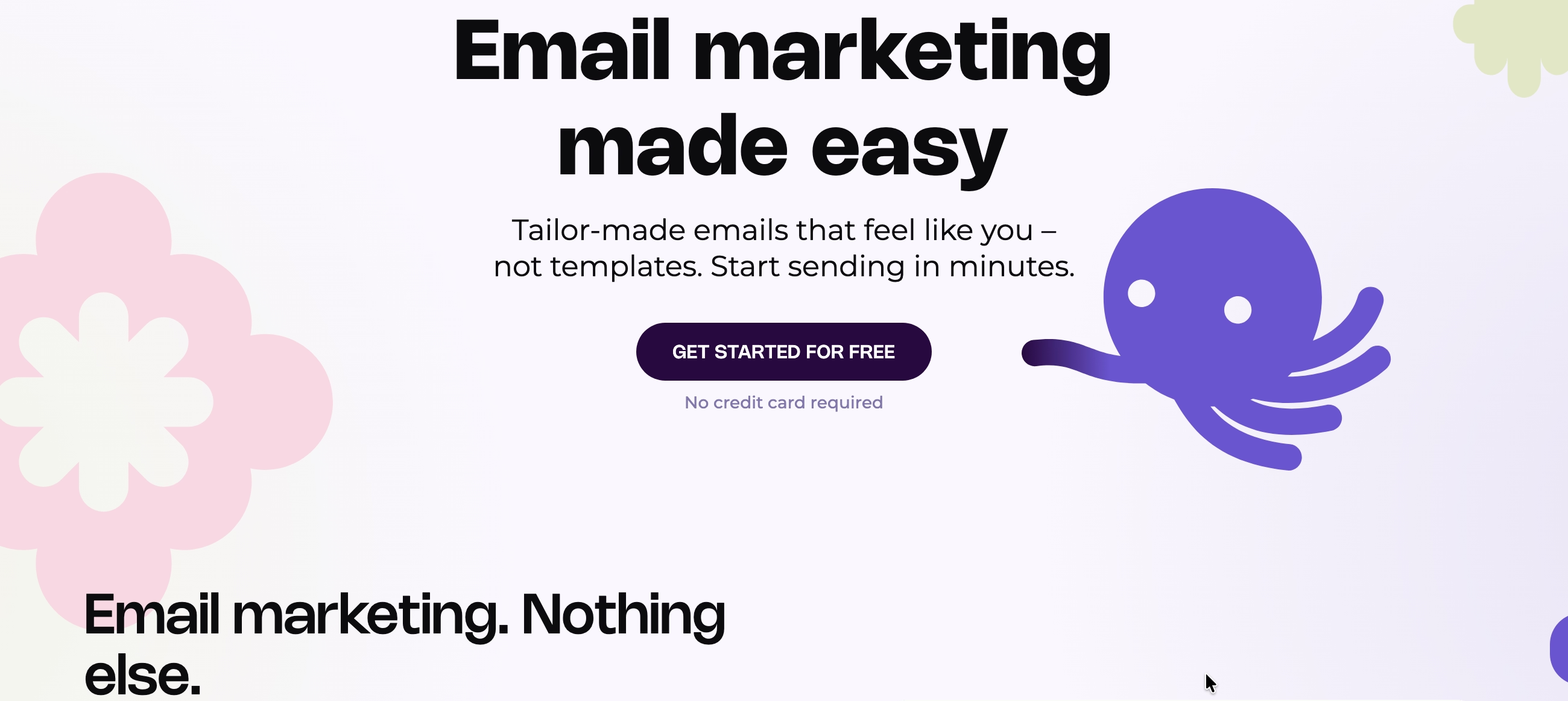
EmailOctopus keeps things simple and focuses on doing the basics really well.
What I like: The generous sending allowance (10,000 emails per month) is one of the best you'll find. The platform is straightforward—no overwhelming features, just solid email marketing. Integration with Zapier opens up possibilities for connecting with other tools.
The catch: Feature-wise, it's fairly basic. You won't find advanced segmentation, complex automation, or fancy design tools. Customer support is also limited after the first 30 days.
Best for: Budget-conscious businesses that primarily need to send newsletters and don't require advanced features.
7. HubSpot Email Marketing - Best with CRM
Free plan includes:
- Up to 1 million contacts (!)
- 2,000 emails per month
- Forms and landing pages
- CRM features
- Live chat
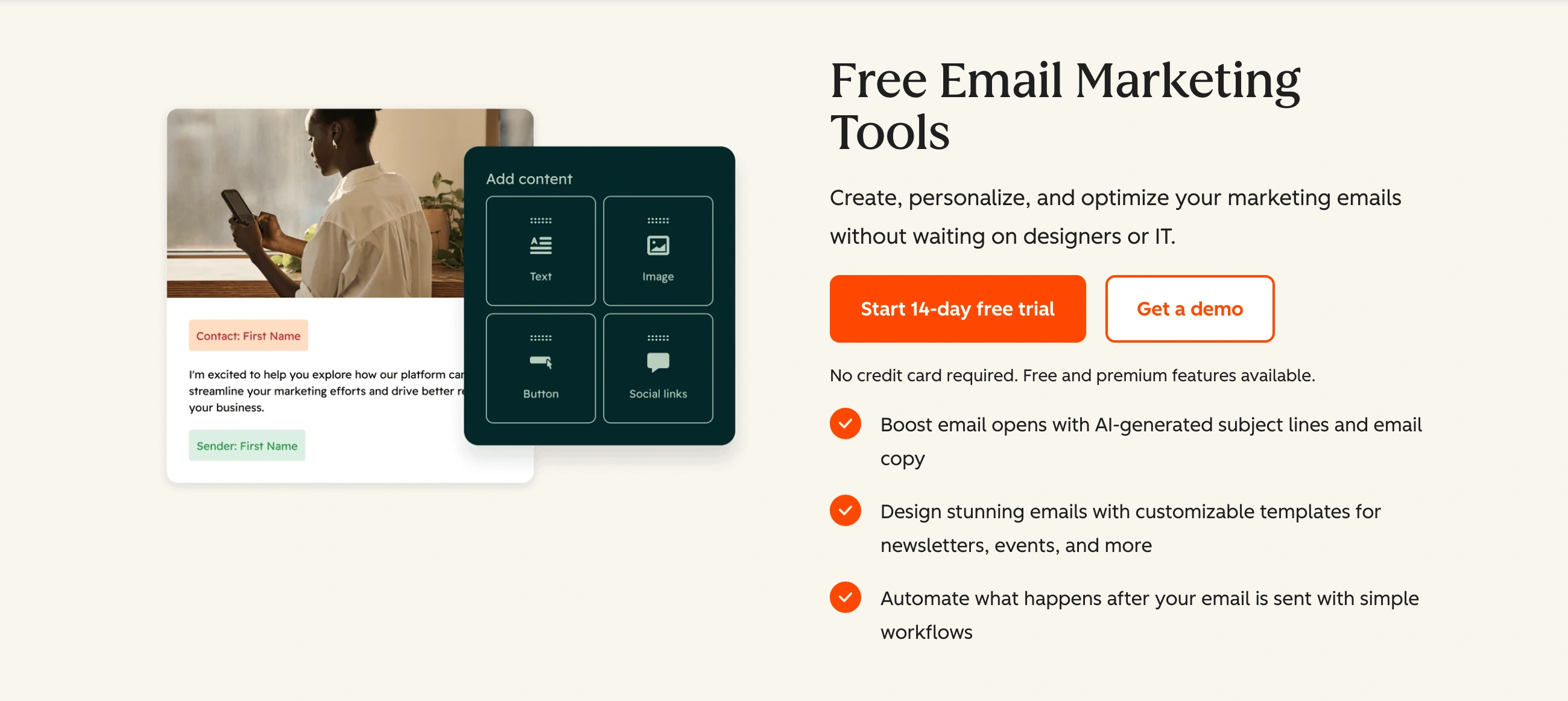
HubSpot is known for its CRM, and the free email marketing features are part of their larger free CRM offering.
What I like: The contact limit is essentially unlimited. The CRM integration means you can manage your entire customer relationship in one place. Forms and landing pages are included, and the quality is professional.
The catch: Only 2,000 emails per month, which is quite restrictive. Automation isn't included in the free plan. And you'll have HubSpot branding on all your emails.
Best for: Businesses that need a CRM more than they need high-volume email sending, and want everything integrated in one platform.
8. Mailchimp - Most Recognized Name
Free plan includes:
- 500 subscribers (reduced from 2,000)
- 1,000 emails per month (down from 10,000)
- 500 emails per day limit
- Landing pages
- Forms
- Basic reporting
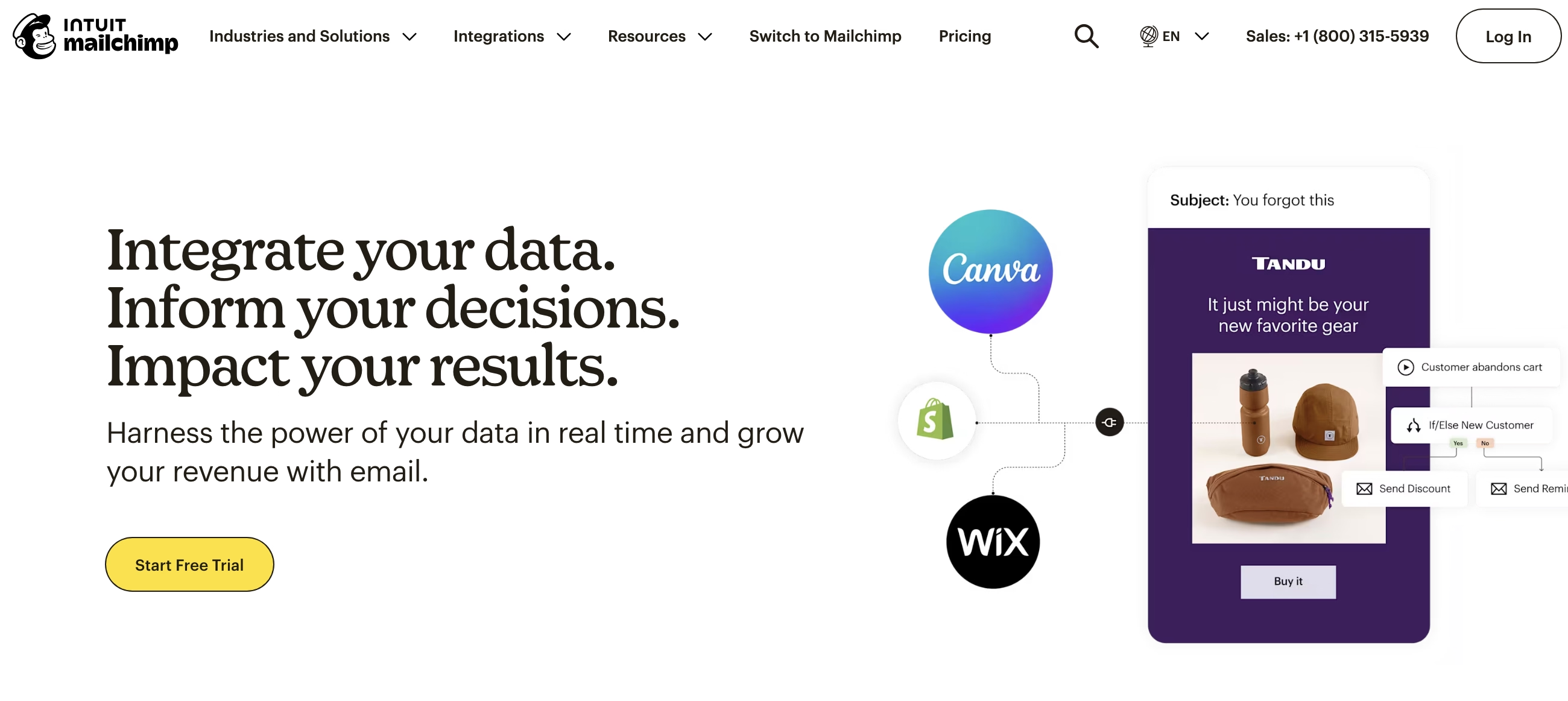
Mailchimp is probably the most well-known email marketing platform, but their free plan has become much less generous over the years.
What I like: The interface is polished and user-friendly. They have excellent integrations with virtually every platform you can think of. The reporting is comprehensive even on the free plan.
The catch: The free plan has been significantly downgraded. You can't schedule emails (yes, really—you have to send immediately). No automation, no A/B testing, and very limited support. Honestly, almost any other tool on this list offers better value.
Best for: People who are already familiar with Mailchimp and just need very basic email sending, or those who value brand recognition over features.
9. GetResponse - Includes Website Builder
Free plan includes:
- 500 subscribers
- 2,500 emails per month
- Website builder with 5GB bandwidth
- Landing page builder
- 500+ email templates
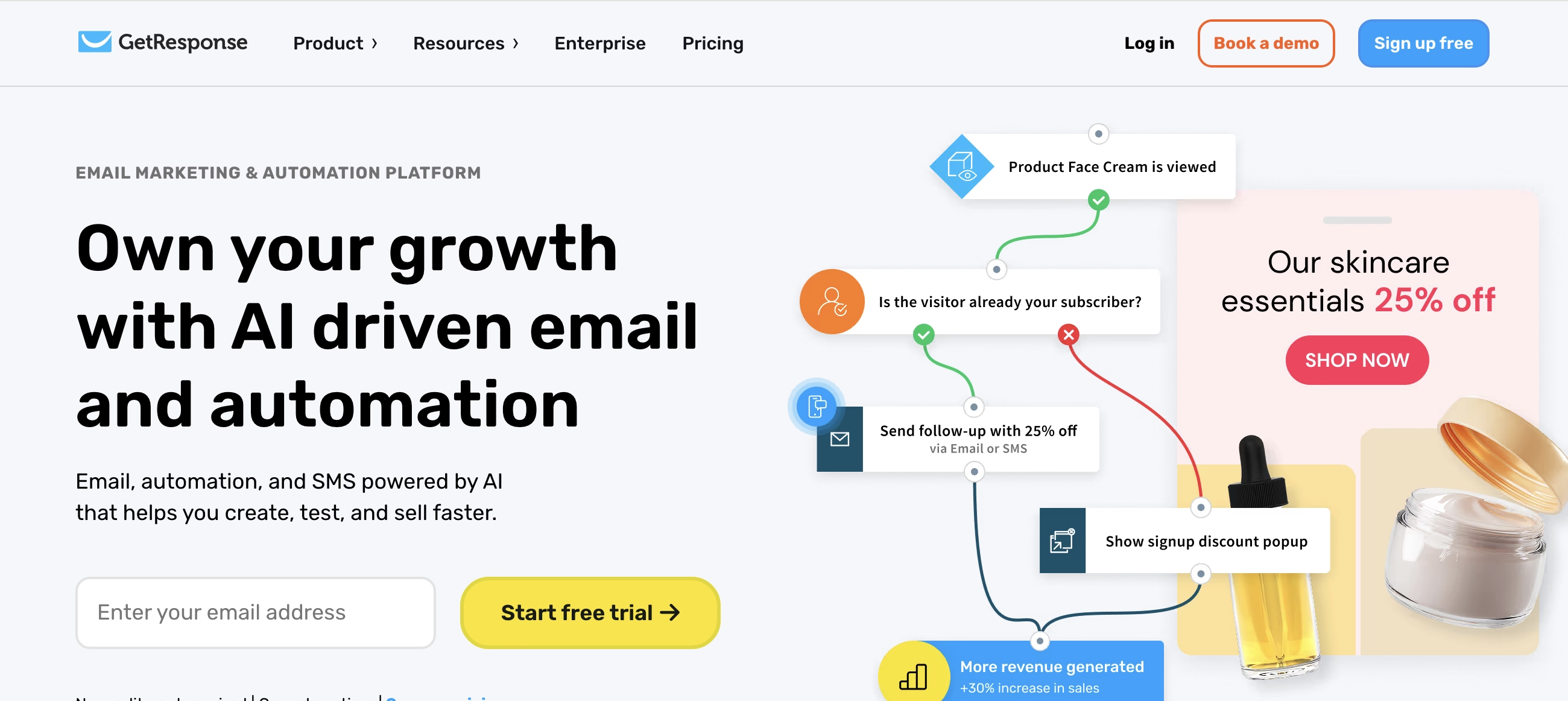
GetResponse recently added a free plan, which is a welcome addition to their offerings.
What I like: The email templates are extensive and well-designed. The website builder is a nice bonus if you need a simple site. The drag-and-drop editor is flexible and easy to use.
The catch: No automation on the free plan. The subscriber limit is low, and you're restricted to just one landing page.
Best for: Those who need both a simple website and email marketing in one place.
10. Benchmark Email - Clean and Simple
Free plan includes:
- 500 subscribers
- 3,500 emails per month
- Basic automation (can't activate)
- Forms and surveys
- Email templates
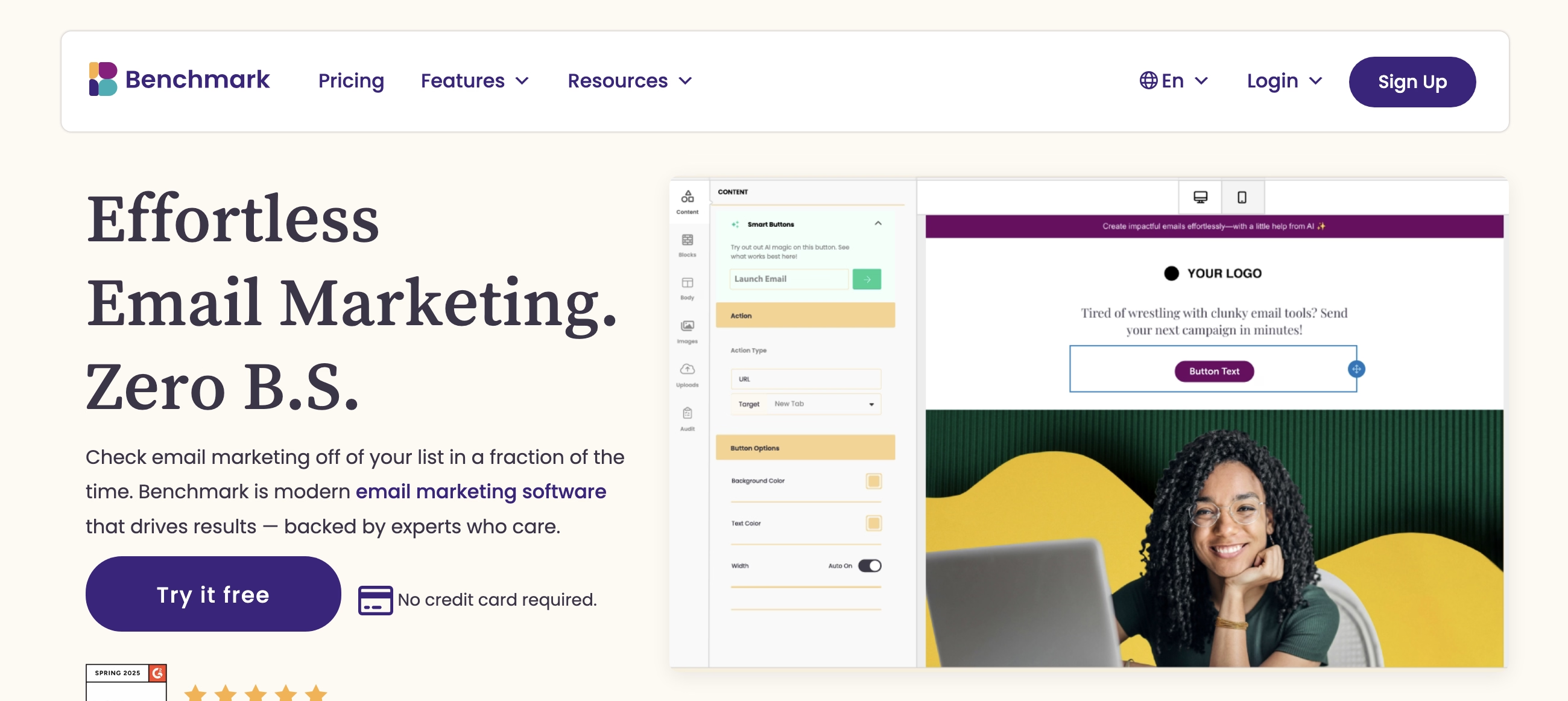
Benchmark offers a clean, minimalist interface that makes email marketing feel less overwhelming.
What I like: The templates are modern and mobile-responsive. The editor is very user-friendly. Integration with 300+ tools including WordPress and Shopify.
The catch: While you can see the automation features, you can't actually activate them on the free plan. The image storage limit is only 10MB, which you'll hit quickly if you use a lot of images.
Best for: Businesses that send mostly text-based emails and want a straightforward, attractive platform.
Free Email Marketing Services: Common Limitations
Let's be realistic about what you're giving up by using a free plan:
Branding: Almost all free plans will include the provider's logo in your emails. If you want to remove it, you'll need to upgrade.
Feature restrictions: Premium features like advanced automation, A/B testing, advanced segmentation, and priority support are usually reserved for paid plans.
Sending limits: Whether it's monthly caps, daily limits, or both, you'll need to manage your sending carefully.
Scalability: Once you outgrow the free plan, you'll need to upgrade. Make sure you understand what the next tier costs before committing to a platform.
Support limitations: Free users typically get email-only support with longer response times. Phone support and live chat are usually for paying customers.
How to Choose the Right Free Email Marketing Service?
Here's my simple framework for deciding:
If you're a content creator (blogger, podcaster, YouTuber): Go with Kit. The generous subscriber limit and built-in monetization features are perfect for creators.
If you need simplicity and automation: Choose Sender. It's straightforward, includes unlimited automation, and won't overwhelm you with features you don't need.
If you want advanced features: Pick Brevo. Yes, the daily limit is annoying, but you get actual marketing automation and CRM features that competitors charge for.
If you run an online store: Use Omnisend. The e-commerce integrations and omnichannel capabilities are worth dealing with the low sending limits initially.
If you send high volumes: Try EmailOctopus. The 10,000 emails per month to 2,500 subscribers is one of the best allowances available.
If you need a CRM: HubSpot is your answer. The CRM features alone are valuable, and email marketing is included.
If you're just starting and want ease of use: MailerLite is hard to beat for user-friendliness, though you'll outgrow it quickly.
What About Deliverability?
A free plan doesn't mean poor deliverability—but you do need to follow best practices:
- Always use double opt-in for new subscribers
- Keep your list clean by removing bounces and inactive subscribers
- Avoid spam trigger words in subject lines
- Make it easy to unsubscribe
- Authenticate your domain (SPF, DKIM, DMARC)
- Don't buy email lists (seriously, don't)
The platforms I've recommended all have good deliverability rates, but ultimately, your sender reputation matters more than which tool you use.
When Should You Upgrade to a Paid Plan?
Consider upgrading when:
- You consistently hit your subscriber or sending limits
- You need features that aren't available on the free plan (like removing branding, advanced automation, or A/B testing)
- You need better customer support
- Your business is making enough revenue that the cost is justified by the ROI
Most of these tools offer very affordable entry-level paid plans (often $10-$20/month), and the features you unlock are usually worth it once you're serious about email marketing.
Final Thoughts
Free email marketing tools have never been better. You can legitimately start and even run a successful email marketing program without spending a dime.
My top recommendations:
- Kit for creators who want to monetize
- Sender for small businesses wanting simplicity
- Brevo for advanced features on a budget
- Omnisend for e-commerce stores
Don't overthink it. Pick one, start building your list, and focus on creating valuable content for your subscribers. You can always switch platforms later if needed (though it's a pain, so choose carefully).
The best email marketing tool is the one you'll actually use. Start with a free plan, learn the ropes, and upgrade when it makes sense for your business.
Content Verification: All information in this guide was verified as accurate in January 2026. Platform features, pricing, and offerings are subject to change. We recommend verifying current details directly with vendors before making purchasing decisions.
Transparency Note: This is an informational guide based on research and analysis of publicly available information. We do not claim hands-on testing of all platforms mentioned unless explicitly stated with documented methodology.
📋 About This Guide
This comprehensive guide is based on research and analysis of official platform documentation, verified user reviews, industry benchmarks, and publicly available information (verified January 2026).
Learn more: Read our complete research methodology to understand how we evaluate software tools.