

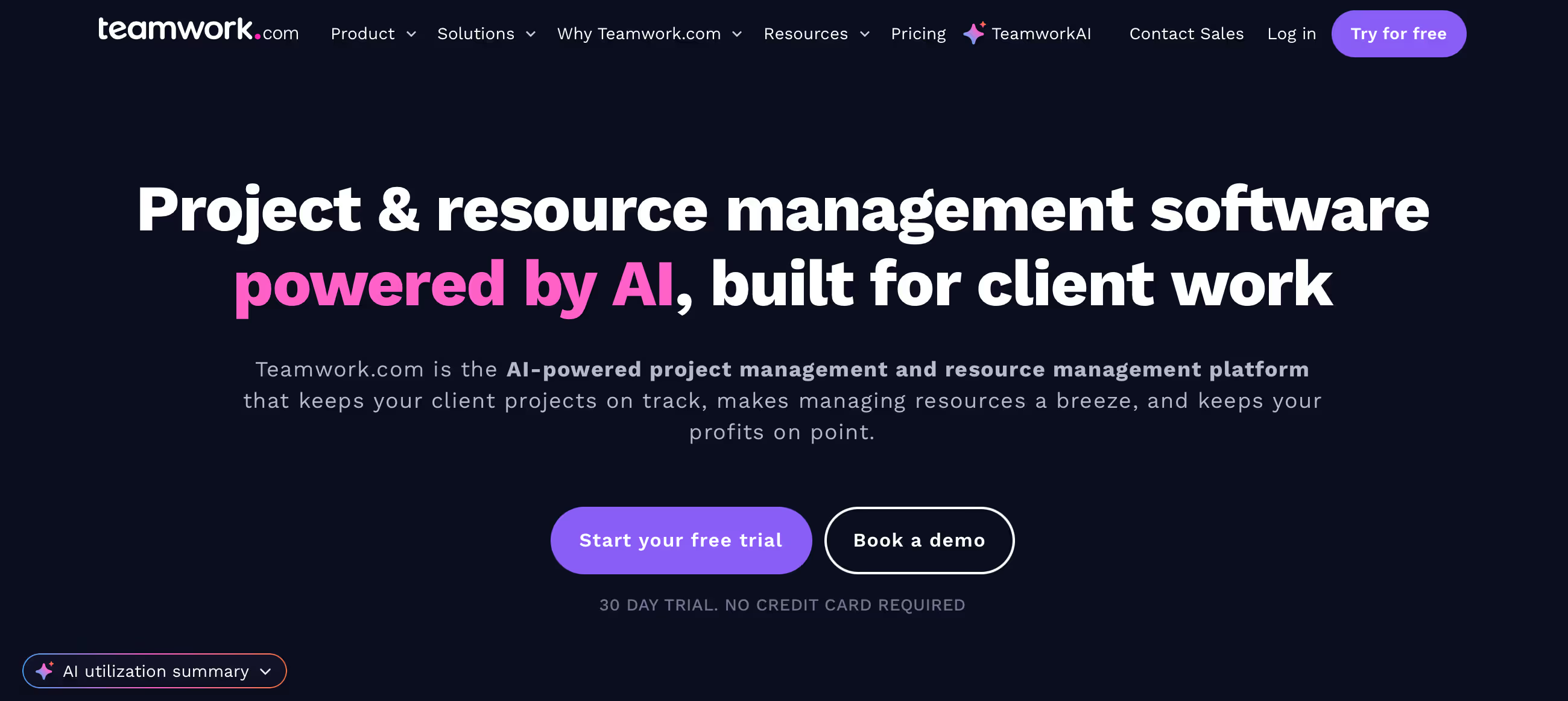
◑ Is Teamwork Right for You?
What it is: Project management built specifically for client work. $0-$17.99/user/month.
Best for: Agencies and professional services juggling multiple client projects.
Main limitation: Premium features require higher-tier plans. Free version is pretty limited.
Get it if: You're managing client projects and need visibility into profitability, time tracking, and deliverables.
Skip it if: You're doing internal work only or need industry-specific features beyond standard project management.
⏼ Why Teamwork?
Teamwork's built for the agency world—client portals, budgets, billable hours, and profitability tracking all baked in. It's not trying to be everything to everyone.
✔ Client-Facing Features
Unlike generic project tools, Teamwork lets you give clients portal access without exposing your internal chaos. They see their projects, you see everything. The permission controls actually make sense.
✔ Profitability Tracking
Track budgets against actual time and costs in real-time. You'll know if a project's bleeding money before it's too late. This alone has saved agencies from scope creep disasters.
✔ Integrations
Connects with your existing stack—accounting software, CRMs, time tracking. API access for custom builds when needed.
✔ Scales With You
Works for 5-person shops up to 100+ person agencies. You're not forced to migrate as you grow.

✎ What Teamwork Users Typically Achieve
The big win? Agencies report 25-30% improvement in project profitability tracking. You finally know which clients are worth keeping.
Teams also see better workload distribution—no more burning out top performers while others have slack time. The capacity planning actually works.
💡 Pro Tip: Set up your project templates right from day one. Agencies waste hours recreating the same structure for similar projects. Build templates for your common project types and you'll save 2-3 hours per project kickoff.
⛭ How Teamwork Works
Create client accounts, set up projects under each client, break projects into task lists, assign work, track time. Pretty standard workflow.
Setup Time
Small teams get up and running in a few hours. Agencies with complex workflows, integrations, and custom fields? Plan for a week to get everything configured properly.
Daily Operations
Check your dashboard for what's overdue, update task status, log time, communicate in comments. The interface is clean enough that you're not hunting for features. Advanced automation and templates take longer to master.
Reporting & Insights
Built-in reports show project health, team utilization, and profitability. For deeper analysis or custom reporting, you'll export to Excel or your BI tool.
⏻ Core Features & Capabilities
Agencies switching to Teamwork report 30% better budget accuracy. That's a number that hits the bottom line.
✔ Project & Task Management
Multiple views—lists, boards, Gantt charts, calendar. Task dependencies, templates for recurring projects, file storage. Covers what agencies need day-to-day.
✔ Time Tracking & Budgets
Track time against project budgets in real-time. Set hourly rates per person or role. See exactly where you stand financially on every project.
✔ Client Portals
Give clients their own login to view progress, approve deliverables, and communicate. Keeps client emails out of your inbox and everything documented.
✔ Team Workload Management
See who's overloaded and who has capacity. Helps distribute work before people burn out.
✔ Integrations
Connects with QuickBooks, Xero, HubSpot, Slack, and 80+ other tools. Zapier access for everything else.
🚀 Quick Win: Start by migrating one client account with 2-3 active projects. Get your team comfortable with the workflow before moving everything over. You'll spot issues early without disrupting all client work.
⍟ The Verdict: Our Assessment
Overall Rating: 8.4/10 — Strong choice for client-facing professional services.
Teamwork nails the agency use case. Client portals, profitability tracking, and workload management solve real problems that generic PM tools ignore. The trade-off? You're paying for features you might not need if you're not doing client work.
Bottom Line: Choose Teamwork if you're managing client projects and need visibility into profitability and team capacity. Skip it if you're focused on internal work—you'll pay for features you won't use.
✩ What Users Say: Reviews & Ratings
4.4/5 on G2 (1,100+ reviews), 4.5/5 on Capterra (850+ reviews). Consistently high marks.
✔ What People Love
- Client Portal: Clients love having their own space. Keeps communication organized and professional.
- Profitability Visibility: Finally know which projects make money and which ones drain resources.
- Reliable Platform: Minimal bugs, good uptime. It's stable.
- Customer Support: Quick responses with actual solutions, not scripted runaround.
✗ Common Gripes
- Pricing Tiers: Better features locked behind higher tiers. Can add up fast for larger teams.
- Mobile Experience: Mobile app works but lacks desktop functionality. Plan on using a laptop for heavy work.
- Learning Curve: Advanced features aren't always intuitive. You'll spend time in documentation.
⚠ 3 Critical Mistakes to Avoid
Mistake #1: Underestimating Per-User Costs
The Problem: Trial shows one price, but scaling up reveals the real cost. A 15-person agency budgeted based on the "Deliver" plan at $10/user ($150/month), then realized they needed "Grow" at $18/user for required features.
The Cost: $270/month instead of $150—an extra $1,440/year. Budget approved, but delayed other investments.
⚡ How to Avoid It: Map your must-have features to the actual tier that includes them. Calculate cost for your full team size at that tier before committing.
Mistake #2: Poor Project Template Setup
The Problem: Rushing into live projects without creating reusable templates. Every new project becomes a manual rebuild.
The Cost: 2-4 hours wasted per project setup. Over a year, that's 50+ hours for agencies running 20+ projects annually.
⚡ How to Avoid It: Spend your first week building 3-5 project templates for your most common work types. Include standard task lists, milestones, and client portal settings. The upfront investment pays back immediately.
Mistake #3: Skipping Team Training
The Problem: Assuming the tool is intuitive enough that people will figure it out. Results in inconsistent usage and low adoption.
The Cost: Teams report 40-60% adoption instead of 80-90% target. Fractured communication as some people stay in email while others use Teamwork.
⚡ How to Avoid It: Run role-specific training sessions—what project managers need differs from what designers need. Create a simple quick-start guide for your team's specific workflow. Check adoption weekly and address issues before they become habits.
FAQ
What is the learning curve for Teamwork?
Most teams are productive within 2-3 hours. The basics are straightforward—creating projects, adding tasks, assigning work. Advanced features like automation, custom fields, and complex reporting take a few days to master. Teamwork has solid documentation and video tutorials to help.
Does Teamwork integrate with my existing tools?
Yes—80+ native integrations including QuickBooks, Xero, HubSpot, Slack, Google Workspace, Microsoft 365. Plus Zapier connectivity and API access for custom integrations when you need something specific.
What kind of customer support does Teamwork provide?
Email support on all plans with 2-4 hour response times during business hours. Higher-tier plans get priority support and live chat. No phone support unless you're enterprise-level.
Can I migrate my existing data to Teamwork?
Yes. Teamwork provides CSV import tools and direct migration support from major competing platforms like Asana, Monday, and Basecamp. Larger migrations get hands-on help from their team.
Is there a free trial or money-back guarantee?
30-day free trial with full feature access, no credit card required. Most paid plans also include a 30-day money-back guarantee, so you can test with real projects before fully committing.
What security and compliance measures does Teamwork have?
SOC 2 Type II certified, GDPR compliant, end-to-end encryption. Enterprise plans add SSO, advanced permissions, custom data retention policies, and audit logs. Security is solid.
Suggestly
Find your best-fit B2B tool in 90 seconds
✓ Free personalized recommendations
✓ Based on YOUR business needs
✓ No signup required

Teamwork




