

◑ Is Findymail Right for You?
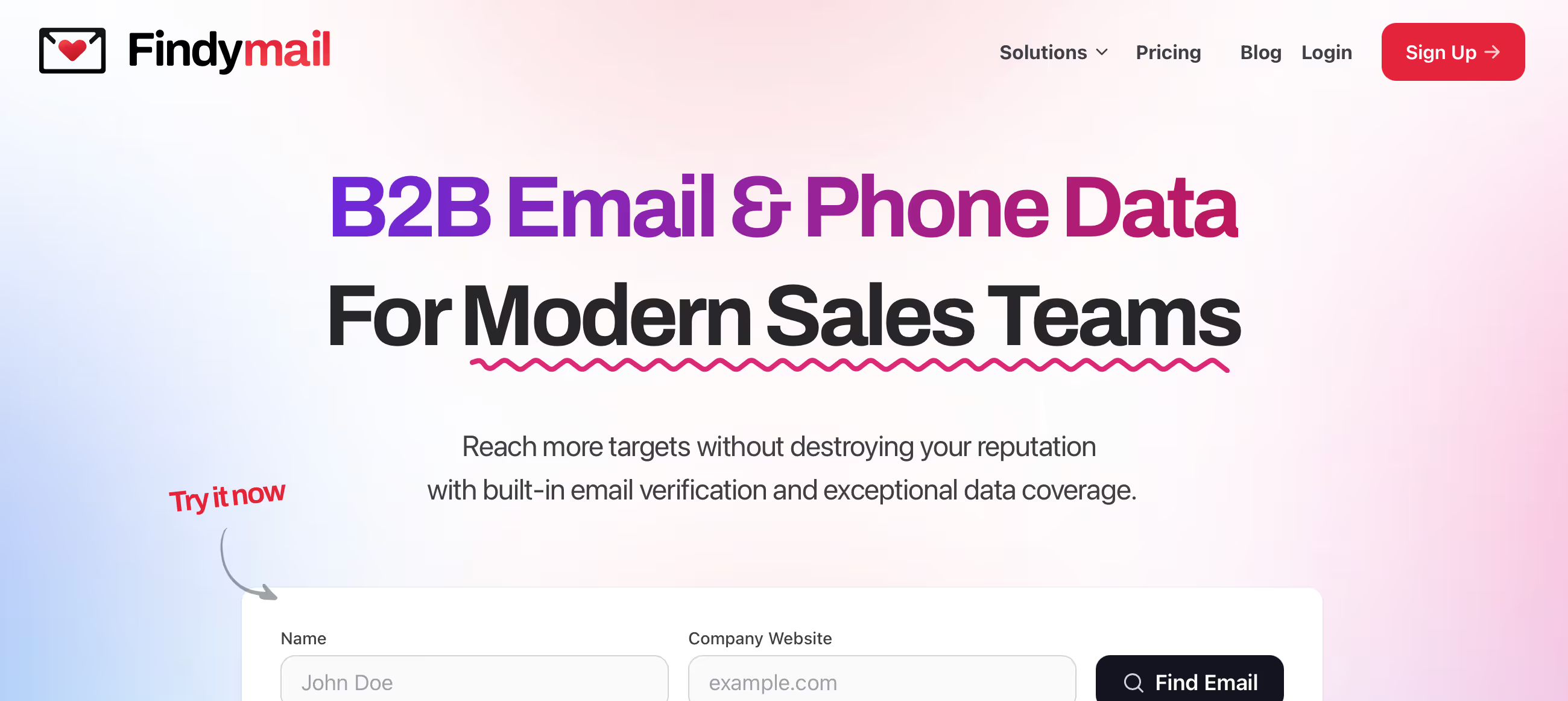
What it is: Email finder and verification tool with a pay-only-for-verified model ($49-$249/month) delivering sub-2% bounce rates through proprietary triple-check validation.
Best for: Sales teams and lead gen agencies who need accurate B2B emails and can't afford bounces tanking their sender reputation.
Skip if: You need phone numbers in Europe (GDPR blocks this), require campaign sending features (Findymail is data-only), or need 100% list enrichment (expect 30-50% hit rates).
The hook: You only pay for emails that actually work. Failed lookups, duplicates, invalid addresses? Free. That's the game-changer here.
⏼ Why Findymail?
Most email finders charge you whether they find valid emails or not. Findymail flips that—you only pay for verified addresses. Upload 1,000 names, get 400 valid emails? You're charged for 400, not 1,000.
Here's what that means for your wallet: At the Basic tier ($49/mo for 1,000 verified emails), you're paying roughly $0.049 per email that actually works. Compare that to tools charging per search attempt regardless of outcome.
The accuracy difference
Users report sub-2% bounce rates versus the 5-8% industry standard. That's not marketing fluff—verified users sending millions of cold emails monthly call it "the best email finder out there" after testing a dozen alternatives.
Clay (the $3.1B data enrichment platform) reportedly puts Findymail first in their waterfall enrichment based on internal benchmarks. When the tool that aggregates all the tools picks you first, that tells you something.
The catch?
Hit rates vary wildly by industry and company size. You might enrich 70% of a Fortune 500 list but only 30% of a niche B2B startup list. That's just reality with any email finder, but it stings more when you're targeting specific niches.

✎ What Findymail Users Typically Achieve
Bounce rates drop dramatically
Users report bounce rates falling from 5-8% (industry average) to sub-2% after switching to Findymail. That's the difference between 50-80 bounces per 1,000 emails versus fewer than 20.
Why this matters: High bounce rates trigger spam filters and tank your sender reputation. Gmail and Outlook start blocking your domain when bounces exceed 5%. Staying under 2% keeps you in the safe zone.
List enrichment improves by 10-30%
Users switching from Hunter.io or Apollo report finding 10-30% more valid emails from the same lists. One verified benchmark (Lobstr API test, 1,000 leads) found 492 emails in 4 minutes—that's a 49.2% hit rate on a cold list.
Time savings from automation
Chrome extension users cut prospecting time significantly. Instead of manually checking LinkedIn, copying names to another tool, waiting for results, they click once and get the email instantly. Agencies report cutting list building time from hours to minutes.
Sender reputation protection
Several users mention avoiding spam folder issues entirely by using verified emails only. One agency owner: "We went from 15% spam folder placement to under 3% just by switching our data source."
Credit efficiency from pay-per-verified model
Users emphasize only paying for working emails eliminates budget waste. Upload 10,000 names, get 4,000 verified emails, pay for 4,000—not the failed 6,000 attempts. This typically saves 30-50% versus per-search pricing.
⛭ How Findymail Works
It's a data enrichment layer that sits between your prospecting and outreach. You give it names and companies; it returns verified email addresses.
Setup
Registration takes minutes—name, email, password, done. No credit card for the free trial (10 email finds + 10 verifications). The onboarding asks about company size and what tools you're already using (Sales Navigator, Apollo, your CRM).
Finding emails (4 methods)
Upload a CSV with names and companies, paste LinkedIn URLs, use the Chrome extension directly on LinkedIn or Sales Navigator, or search by domain and job title ("Find all CMOs at techstartups.com").
The triple-check verification kicks in automatically—it validates catch-all emails that competitors can't verify. That's their secret sauce.
What you get back
Verified emails (1 credit each), phone numbers when available (10 credits, US-only), enrichment data (job title, company info, LinkedIn profile). Export to CSV or push directly to your CRM or outreach tool.
Integration options
Native connections to HubSpot, Salesforce, Pipedrive, Close, Copper, Zoho, plus all major cold email tools (Lemlist, Instantly, Smartlead, Woodpecker). Zapier and Make handle everything else.
Credits and rollover
Unused credits roll over up to 2× your monthly limit. So if you're on the 1,000 credit Basic plan and only use 600, you'll have 1,400 next month. After that, you cap at 2,000 total.
⏻ Core Features & Performance
✔ Email Finding
Success rates: 60-80% for name + company URL method. Drop that to 30-50% for less common scenarios. Independent testing (Lobstr API benchmark, 1,000 leads) found 492 verified emails in 4 minutes.
The Chrome extension (10,000+ users, 4.6/5 rating) works directly on LinkedIn, Sales Navigator, and Apollo. Click the extension, it pulls the email right there.
✔ Email Verification
The proprietary triple-check algorithm is what sets them apart. They validate catch-all emails—addresses that technically accept everything but might not deliver. Competitors often skip these.
Guaranteed bounce rate: <5% (official claim). Real-world bounce rate: Sub-2% according to verified users sending at volume.
✔ Intellimatch AI (2025 feature)
Natural language lead searches. Type "HR leaders in B2B startups in New York" and it finds them. Saves you from building complex boolean searches.
✔ CRM DataCare
Automated contact enrichment that detects job changes, merges duplicates, and keeps your CRM clean. Set it and forget it—it runs in the background.
✔ API Access
Supports 300 concurrent requests with no daily limits. The API is synchronous (real-time responses) without bulk batch processing, which some high-volume users find limiting.
✗ What's missing
Campaign sending (not their job—pair with Instantly, Lemlist, or Smartlead). Phone numbers in Europe (GDPR restrictions). Mobile app (web-only). Batch API processing for massive volume.
⍟ The Verdict: Assessment Based on Customer Data
8.7/10 - If deliverability matters more than volume, Findymail delivers. The pay-only-for-verified model eliminates waste, and sub-2% bounce rates protect your sender reputation.
⚡ Trade-offs: Hit rates vary significantly by industry and company size. Phone numbers US-only due to GDPR. Pricing scales quickly for high-volume users.
⚡ Skip if: You need all-in-one prospecting + sending, expect 100% list enrichment, require EU phone numbers, or have very small volume (<500 emails/month).
✩ What Users Say: Reviews & Verified Experiences
User ratings: 4.9/5 on G2 (56 reviews), 4.4/5 on Capterra (26 reviews), 3.4/5 on Trustpilot (2 reviews—statistically meaningless).
✔ What users love
Customer support responsiveness (10 G2 mentions): "Goes out of the way to help" and "quick, helpful responses" come up repeatedly.
Data accuracy (6 mentions): Users specifically mention low bounce rates and reliable verification. One power user sending 7 million cold emails monthly tested a dozen alternatives and called Findymail "the best email finder out there."
Clean interface (9 mentions): The platform is described as intuitive and easy to navigate once you get past initial setup.
European coverage: Multiple Capterra reviewers praise Findymail as the "best performer" for finding EU emails—a known weak spot for US-based competitors.
✗ What users complain about
Pricing scales quickly (4 G2 mentions): High-volume users hit credit limits fast. One reviewer noted "out of a 1,000 person list, sometimes it only gets 300 or so emails"—you're still paying for those credits on lower tiers.
Chrome extension setup (2 Capterra mentions): Some users find the initial browser extension configuration tricky, particularly around permissions and adblocker conflicts.
Hit rate variability: Success rates depend heavily on data quality going in. Niche industries or smaller companies see lower enrichment rates than Fortune 500 targets.
⚠ 3 Critical Mistakes to Avoid
Mistake #1: Not Understanding Hit Rate Expectations
New users often expect 80-90% enrichment on every list. Reality: 30-50% is normal for most B2B lists. Fortune 500 companies might hit 70%, but niche startups or smaller businesses often yield 20-30%.
🚀 Fix: Start with a 100-200 record test before committing to large lists. Check hit rates by company size and industry in your specific market. Budget credits accordingly—if you need 1,000 emails, prepare to process 2,500-3,000 records.
Mistake #2: Burning Through Credits Without Rollover Planning
Credits roll over up to 2× your monthly limit, then they're capped. Users on Basic (1,000/month) who don't use credits for 2 months thinking they'll bank 3,000 discover they cap at 2,000 total.
🚀 Fix: Use credits consistently or downgrade when you know volume will drop. If you're batching campaigns quarterly, you'll waste credits. Better to pause your plan between campaigns.
Mistake #3: Trying to Use Findymail as an All-in-One Tool
Findymail finds and verifies emails. Period. It doesn't send campaigns, warm up inboxes, or track opens. Users who expect Instantly or Apollo-level campaign features get frustrated fast.
🚀 Fix: Budget for both data (Findymail) and sending (Instantly, Lemlist, Smartlead). The typical stack: Findymail finds emails → exports to → Instantly sends campaigns. Trying to force Findymail into roles it wasn't designed for wastes time and money.
FAQ
Does Findymail only charge for verified emails or all lookups?
Findymail only charges credits for successfully verified emails. Failed lookups, duplicates, and invalid results cost zero credits. This is their core differentiator from competitors like Hunter.io that charge per search attempt regardless of outcome. For example, if you upload 1,000 names and Findymail finds 400 valid emails, you're charged 400 credits—not 1,000. Phone number lookups consume 10 credits each (US only due to GDPR restrictions on EU numbers).
What's the actual bounce rate with Findymail emails?
Findymail guarantees <5% bounce rates officially, but verified users consistently report sub-2% bounce rates when sending at volume. Compare this to the 5-8% industry average for B2B email finders. The proprietary triple-check verification validates even catch-all emails that competitors can't verify. One power user sending 7 million cold emails monthly specifically cited Findymail's accuracy as the reason they switched from other providers after testing over a dozen alternatives.
Why are hit rates only 30-50% instead of higher?
No email finder achieves 90%+ hit rates consistently across all lists—anyone claiming otherwise is lying. Hit rates depend on: (1) Company size—Fortune 500 companies have more public email patterns (60-70% hit rates), while small startups are harder (20-30%). (2) Industry—tech companies have better coverage than traditional industries. (3) Data freshness—recent LinkedIn data performs better than old lists. (4) Job titles—C-level and sales roles are easier to find than niche operational roles. Findymail typically finds 10-30% more emails than competitors on the same lists, but expecting 100% enrichment on any B2B list is unrealistic.
Can I use Findymail to send email campaigns?
No, Findymail is strictly a data enrichment tool—it finds and verifies email addresses but doesn't send campaigns. You'll need to pair it with a cold email platform like Instantly.ai, Lemlist, Smartlead, or Apollo for actual sending. Findymail integrates natively with these tools, so your workflow is: (1) Find emails in Findymail, (2) Export to your campaign tool, (3) Send via that platform. Many users run this exact stack: Findymail for data quality + Instantly for unlimited sending and warmup.
Do unused credits roll over to the next month?
Yes, unused credits roll over up to 2× your monthly limit, then they cap. Here's how it works: Basic plan ($49/mo) includes 1,000 credits monthly. If you use 600 in Month 1, you'll have 1,400 available in Month 2 (600 unused + 1,000 new). If you don't use any in Month 2, you cap at 2,000 total in Month 3—you won't accumulate 3,400. This rollover policy is generous compared to competitors, but you can't bank credits indefinitely. Plan your usage accordingly or downgrade between high-volume campaigns.
Does Findymail work better for US or European emails?
Findymail actually excels at European email finding—multiple verified reviewers specifically call it the 'best performer' for EU email coverage. US-based competitors often struggle with European data due to GDPR compliance and different email pattern conventions. However, Findymail cannot provide phone numbers for European contacts due to GDPR restrictions (phone numbers are US-only and cost 10 credits each). If you need EU emails, Findymail is arguably your best option. If you need EU phone numbers, no major B2B tool can legally provide them at scale.
Suggestly
Find your best-fit B2B tool in 90 seconds
✓ Free personalized recommendations
✓ Based on YOUR business needs
✓ No signup required

Findymail




