

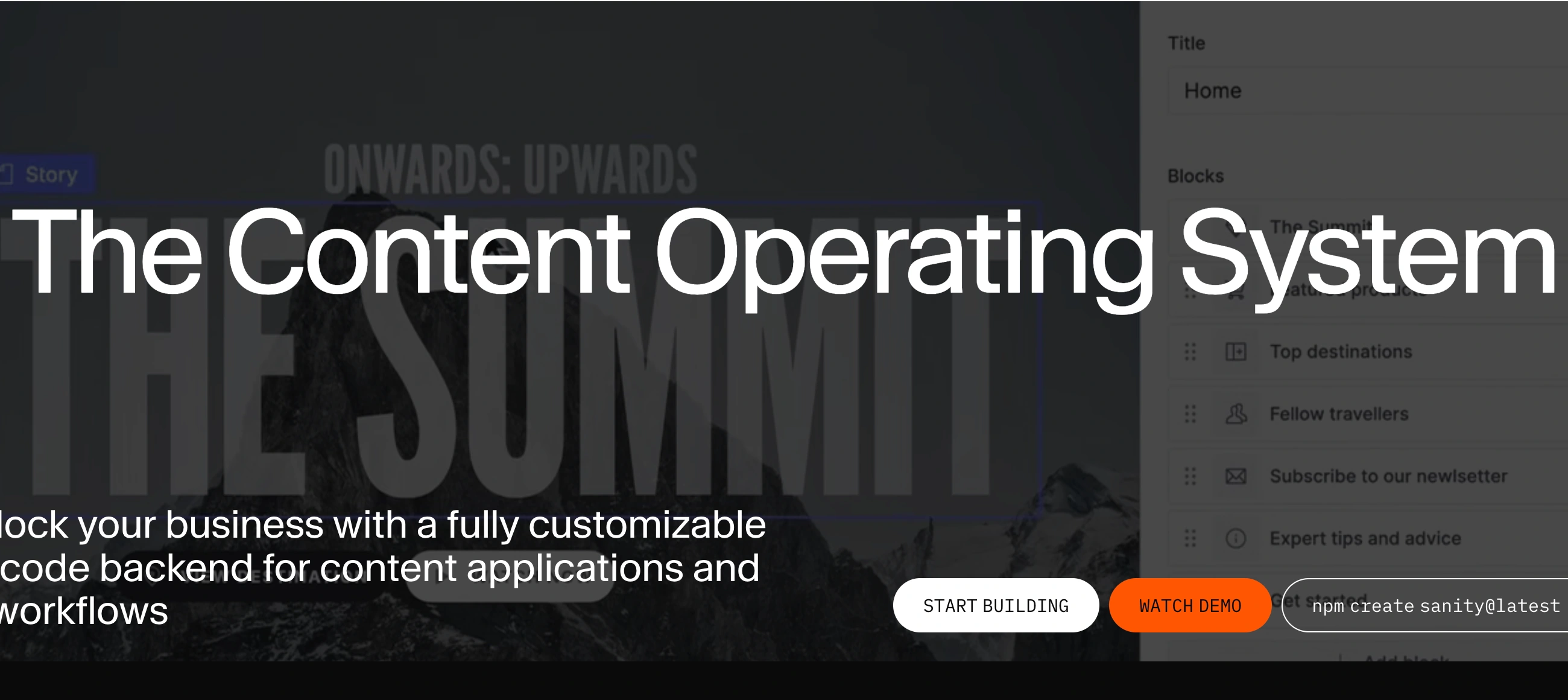
◑ Is Sanity Right for You?
What it is: A headless CMS that stores content as structured JSON data in a cloud-based Content Lake, letting you build custom editing interfaces and deliver content to any platform via APIs.
Best for: Development teams building multi-channel digital experiences who need real-time collaboration, complete schema control, and content that flows seamlessly between websites, mobile apps, and IoT devices.
Main limitation: Requires React and JavaScript expertise for setup and configuration—content editors can't launch projects without developer involvement, and the proprietary GROQ query language adds a learning curve that delays time-to-value.
Get it if: You're building content-driven applications at scale, need structured content that works across multiple platforms, have dedicated development resources, and want flexibility to customize every aspect of your content management workflow.
Skip it if: You need a plug-and-play CMS like WordPress with ready-made themes, lack in-house development resources, work on simple single-platform projects, or need non-technical users to independently manage schemas and workflows.
⏼ Why Sanity?
Traditional CMSs lock your content to page templates. Edit your homepage? That content lives there forever. Want the same product description on your website and mobile app? Copy-paste and manually sync updates. Sanity eliminates this headache entirely.
🔄 Write Once, Publish Everywhere
Your content lives as structured JSON in the Content Lake—think of it as a single source of truth. Query the same product data for your Next.js website, React Native app, digital signage, or whatever you build next. Companies like Nike and Figma use this architecture to power multi-platform experiences from one content source. This translates to massive time savings when you update pricing or features—change it once, and every platform gets the update instantly.
⚡ Real-Time Collaboration Without Conflicts
Every keystroke syncs. Your team sees updates happening live, like Google Docs but for structured content. One G2 reviewer put it simply: "The real-time collaboration feels like Google Docs for content." No more overwriting each other's work. No merge conflicts. No coordination headaches when three people need to update the same campaign simultaneously.
🎨 Build Exactly What You Need
Sanity Studio is open-source and built with React. You're not stuck with their vision of what a CMS should look like. Need a custom field type for recipe ingredients? Build it. Want an editing interface that mirrors your content team's exact workflow? React components let you create it. The customization freedom developers rave about comes from treating the CMS as code—your content model lives in version control alongside your application.
📝 GROQ Gives You Precision
Sanity's query language GROQ (Graph-Relational Object Queries) fetches exactly what you need without over-fetching. It's more precise than GraphQL for many use cases, though there's definitely a learning curve if you're coming from REST or GraphQL. Once you're comfortable, GROQ makes complex queries feel natural.

📈 What Sanity Users Typically Achieve
Multi-Platform Content Becomes Manageable
That product catalog you're manually syncing between your website, mobile app, and partner portals? Sanity turns it into one content source. Update once, publish everywhere. Teams report cutting content management time by 60-70% when transitioning from multi-platform manual processes to Sanity's unified approach.
Development Velocity Increases
One documented case study showed deployment frequency increasing 300% after implementing Sanity. The real-time collaboration eliminates waiting for other team members to finish edits, and schema-as-code means developers stop context-switching between CMS admin panels and their IDE.
Global Content Scales Efficiently
Companies managing content across multiple markets use Sanity's flexible schemas and API-first architecture to handle localization at scale. The structured content approach makes it practical to maintain consistency across 10+ language variants without drowning in spreadsheets.
Custom Workflows Replace Generic Constraints
Teams build specialized editing interfaces that match their exact content workflows—publishing approval chains, SEO optimization tools, analytics dashboards—all inside Sanity Studio. This customization eliminates the friction of forcing your process into someone else's CMS vision.
Where Teams Hit Friction
The first project takes 10-20x longer than subsequent ones as teams learn GROQ, schema design patterns, and Studio customization. Non-technical stakeholders get frustrated waiting for developers to configure features that seemed simple. API usage monitoring requires attention or costs surprise you. Healthcare and regulated industries sometimes need custom avatar workarounds due to content restrictions.
💡 Start with Sanity's free tier on a small internal project. Get developers comfortable with GROQ queries and schema design before committing to migrating production content. Join their Slack community—experienced developers share patterns that save hours of trial and error.
⛭ How Sanity Works
Think code-first development, not point-and-click website builders. The workflow assumes technical expertise.
Initial Setup & Schema Design
You'll start by defining your content model as code—usually TypeScript or JavaScript files that describe your content structure. Want a blog post? Define fields for title, body, author, publish date. This schema lives in your codebase, not a database. Setup for basic projects takes 1-2 hours if you're comfortable with React. Complex implementations with custom schemas, integrations, and team workflows stretch to several days or even weeks. Unlike WordPress where you pick a theme and start writing, Sanity requires building the editing interface using React components before content teams can begin.
Sanity Studio Configuration
The editing environment (Sanity Studio) gets deployed as a React app. You customize it by writing components—add custom input fields, build specialized dashboards, integrate third-party tools directly into the interface. The App SDK lets you create entire applications within Studio. This flexibility is powerful but demands development time upfront.
Content Creation Daily Workflow
Once configured, content teams work in Sanity Studio like any modern admin panel. Create documents, upload images through the Image Pipeline (which handles transformations automatically), organize content hierarchies. The real-time sync shows who's editing what with visual indicators. Changes save automatically, and the revision history tracks every modification with one-click rollback.
Content Delivery & Querying
Your frontend application queries Sanity's API to pull content. Write GROQ queries specifying exactly what data you need—no over-fetching, no unnecessary requests. The API delivers JSON, which your Next.js site, React Native app, or whatever frontend you've built can consume. Companies like Figma rely on this architecture to power their documentation and marketing sites across web and mobile from the same content source.
Integration & Deployment
The platform offers SDKs for JavaScript, PHP, Ruby, Go, .NET, and Rust. Integrations with Next.js, Gatsby, Shopify, and major frameworks have detailed documentation. Deploy Studio to Vercel or Netlify in minutes. The Content Lake handles scaling automatically—no server management required on your end.
⏻ Core Features & Capabilities
🎨 Sanity Studio - Customizable Editing Interface
The open-source editing environment ships with sensible defaults but shines when customized. Build custom input components for specialized content types—recipe ingredient lists, product configurators, interactive maps. The Component API lets you override any part of Studio with your own React code. Developers love this flexibility; one G2 reviewer called it "the best thing about Sanity—complete control to build a fully customized editing experience." This customization requires development time, but the result perfectly matches your team's workflow instead of forcing your team to adapt to generic CMS constraints.
💾 Content Lake Architecture
Content lives as JSON documents in Sanity's cloud-hosted Content Lake. Schema changes don't trigger database migrations—your content structure evolves without downtime. Add a new field to your blog post schema? Existing posts simply won't have that field until you fill it in. This schema flexibility saved teams hours when restructuring content models. The automatic revision history tracks every edit with complete rollback capability, so mistakes vanish with one click.
🌐 Multi-Platform Content Delivery
The API-first architecture means content flows anywhere. Your product catalog powers your e-commerce site, mobile app, in-store kiosks, and customer service portals from one source. The Image Pipeline delivers optimized images with automatic transformations—specify dimensions, format, quality in your query URL, and Sanity handles the rest. Integration docs cover Next.js, Gatsby, Nuxt, SvelteKit, and most modern frameworks. The consistency of delivering content from a single source eliminates the sync headaches that plague multi-platform projects.
📅 Content Scheduling & Publishing
Growth plan and above unlock content scheduling with timezone support—a standout feature according to agency reviews. Schedule releases across global markets without waking up at 3 AM for Asia-Pacific launches. The scheduling interface handles complex publication workflows including staged rollouts and time-based content expiration.
🔐 Security & Compliance
Sanity offers SOC 2 Type II certification with GDPR compliance and EU data residency options (Belgium). Enterprise plans add SSO integration (Okta, Google, Azure AD), advanced role-based permissions, and audit logs. For organizations in regulated industries, these security features meet compliance requirements that many headless CMSs skip.
⚠️ What's Missing: Ready-made templates for quick starts, beginner-friendly setup without coding, automatic content migration from other platforms, visual page builders (it's content-first, not page-first).
📊 The Verdict: Our Assessment
8.5/10 - Sanity delivers exceptional flexibility and developer experience for teams with technical resources. The real-time collaboration and multi-platform architecture solve genuine pain points for content-driven applications, though the developer requirement and learning curve create barriers.
⚠️ Trade-offs: Development requirement blocks non-technical teams from starting independently. GROQ adds learning curve. Usage-based costs (API requests, storage) can surprise teams without proper monitoring. Not suitable for simple blog sites or single-platform projects where WordPress suffices.
Bottom Line: Choose Sanity when building content applications at scale across multiple platforms. Skip it if you need something non-developers can launch independently or your project doesn't justify the technical investment.
✩ What Users Say: Reviews & Verified Experiences
User ratings: 4.9/5 on G2 (110+ reviews), 4.8/5 on Capterra (26 reviews).
👍 Pros: What Users Love
- Complete Developer Control: "The best thing about Sanity is the complete control it gives developers. The ability to define content schemas as code and build a fully customized editing experience with React is a game-changer. The developer experience is second to none," reports G2 reviewer. Multiple developers echo this—the freedom to build exactly what you need without platform constraints separates Sanity from competitors.
- Real-Time Collaboration That Works: "The real-time collaboration feature has helped our team of developers and on-the-ground content experts. We're able to see what someone is working on at that exact moment and what changes are being implemented and by whom," notes Gartner reviewer. One case study showed deployment frequency increasing 300% after implementing Sanity's collaborative workflows.
- Structured Content Reusability: "Sanity allows me to treat content as a product rather than just a document, which makes reuse intentional instead of accidental. The initial setup was quite easy," G2 review. Content teams appreciate how structured data eliminates copy-pasting across platforms.
- Next.js Integration Excellence: "I really like that Sanity is built with React and sits nicely alongside our Next.js app. It's fast, developer-friendly, and incredibly customizable," G2 reviewer. The Next.js integration comes up repeatedly as particularly smooth.
👎 Cons: Common Complaints
- Steep Learning Curve for Developers: "The initial learning curve can be steep, especially for developers new to the headless CMS space. You need a good grasp of JavaScript and React to get the most out of the Studio customization, which can be a barrier for some teams," G2 review. Even experienced developers need time to grasp GROQ and schema design patterns.
- GROQ Query Language Complexity: "You need to learn the new and Sanity-specific GROQ query language to use Sanity...there is a specific learning curve," notes comparison from CrafterCMS. The proprietary query language means additional learning even for developers familiar with GraphQL or REST.
- Blank Slate Requires Upfront Work: "Starting from a blank slate means there's a fair amount of initial setup before your Studio is fully functional. They do offer starter templates, which help, but it would be nice to have a more opinionated base with core features out of the box," G2 reviewer. Unlike plug-and-play alternatives, Sanity demands configuration before content teams can begin.
- Not Beginner-Friendly: "The product is great for developers, but kind of a pain for anyone else. I have a persistent feeling that the UI is not considerate of end users," Gartner review. Non-technical users struggle without developer support for setup and customization.
- Schema Sync Frustrations: "So many times I have been working on creating new schemas and there is some sort of miscommunication and then my consuming app does not have the data it should have," Product Hunt reviewer. The disconnect between local schema definitions and cloud data occasionally causes friction.
⚠ 3 Critical Mistakes to Avoid
Mistake #1: Launching Without Developer Resources
A marketing team chose Sanity based on its collaborative features, assuming content editors could configure it like WordPress. They spent three weeks trying to set up schemas and customize Studio before realizing they needed React developers. The project stalled for two months while they hired technical resources. One Capterra reviewer switched back to Contentful specifically because "this one was much harder for me to utilize" without development expertise.
⚡ Fix it: Budget minimum 20-40 development hours for basic projects with custom schemas and Studio configuration. For complex implementations with specialized workflows, expect several weeks. Don't present Sanity to content teams until a developer has built the foundational structure and editing interface. Consider alternatives like Contentful or Storyblok if you lack in-house development resources.
Mistake #2: Ignoring API Usage and Cost Monitoring
A growing SaaS company started on the free tier, then upgraded to Growth plan. They built aggressive real-time features querying Sanity's API multiple times per page load. Three months later, they hit unexpected usage spikes—the difference between API requests (fresh, expensive) and API CDN requests (cached, cheaper) wasn't clear. According to ContentWrap's pricing analysis, inefficient API patterns rack up charges fast for teams doing significant traffic.
⚡ Fix it: Monitor API usage from day one in Sanity's Usage tab. Implement caching strategies and use API CDN requests for content that doesn't need real-time freshness. Review Sanity's pricing calculator before committing, understanding how your specific usage patterns affect costs. Budget for higher tiers if your traffic projections suggest heavy API usage.
Mistake #3: Skipping GROQ Learning Investment
A development team familiar with GraphQL assumed they could translate their knowledge to GROQ on the fly. They wrote inefficient queries that over-fetched data, creating performance bottlenecks on high-traffic pages. Multiple G2 reviewers mention struggling with GROQ documentation and query optimization. The team spent 40+ hours refactoring queries they could have written correctly with proper learning upfront.
⚡ Fix it: Invest 4-8 hours in GROQ learning before writing production queries. Use Sanity's documentation and example queries as starting points. Join their Slack community where experienced developers share query patterns for common use cases. The upfront time investment pays dividends in performance and maintainability. Consider GraphQL if your team strongly prefers it—Sanity supports both, though GROQ is more commonly used.
FAQ
Do I need to be a developer to use Sanity?
For setup and configuration, absolutely yes. Sanity requires React and JavaScript knowledge to build content schemas and customize the Studio editing interface. Once a developer configures everything, content editors can use Studio without coding—it functions like any modern admin panel at that point. Think of it like building a house: you need architects and contractors (developers) to design and construct it, then anyone can live there (content editors can create content). The platform is fundamentally developer-first, not a no-code solution. If you lack in-house development resources, consider alternatives like WordPress or more user-friendly headless options.
How does Sanity pricing work and what are the hidden costs?
Sanity offers a free tier with unlimited content types, 10K documents, and 2 datasets—sufficient for testing and small projects. The Growth plan starts at $15/month per user and adds content scheduling, AI Assist, higher usage limits, and collaboration features like comments and tasks. Enterprise plans offer custom pricing with unlimited minutes, advanced security (SSO), and dedicated support. The usage-based aspects—API requests, storage, bandwidth—scale with your traffic. API requests cost more than API CDN requests (cached), so inefficient query patterns surprise teams who don't monitor usage. The ContentWrap pricing calculator helps estimate real costs based on your usage patterns. No hidden fees, but you'll want to understand API vs API CDN request pricing before scaling.
What's the difference between Sanity and WordPress?
WordPress is a traditional CMS where content is tightly coupled to your website—write a blog post, it lives on your site. Sanity is headless—content lives separately in the Content Lake as structured JSON, and you build your own frontend to display it. WordPress wins for ease: install, pick a theme, start writing. Thousands of plugins handle common needs. Sanity requires building everything from scratch but gives unlimited flexibility. Choose WordPress for straightforward blogs, simple business sites, or when non-developers need to manage everything independently. Choose Sanity when you need content across multiple platforms (web, mobile, IoT), want complete control over content structure, have development resources, or are building complex content-driven applications. The platforms solve different problems for different audiences.
Can I migrate existing content to Sanity?
Yes, but migrations require development work. Sanity doesn't offer automatic migration tools from WordPress, Contentful, or other platforms. You'll write scripts to transform your content into Sanity's JSON structure and map it to your schemas. Simple migrations of a few hundred blog posts might take a day or two. Complex migrations with custom fields, relationships, and thousands of documents stretch to weeks. ContentWrap mentions migrations of 1,500+ documents requiring significant effort and custom development. Budget extra time for migration work, testing, and validation. The Sanity community and documentation provide migration guides, but expect hands-on development rather than clicking a 'migrate' button. For large projects, consider migration specialists or agencies with Sanity experience.
What is GROQ and do I have to use it?
GROQ (Graph-Relational Object Queries) is Sanity's proprietary query language for fetching content from the Content Lake. You'll use it to pull specific data—like 'get the 10 most recent blog posts with author information and featured images.' It's more precise than GraphQL for certain queries but has a learning curve. Yes, you need to learn it for effective Sanity development—though Sanity also supports GraphQL if you prefer. Most developers find GROQ powerful once comfortable, but the proprietary nature means it's knowledge that doesn't transfer to other platforms. Expect 4-8 hours of learning time before writing production queries efficiently. The Sanity community and documentation include query examples for common patterns, which accelerates learning.
Does Sanity work with Next.js, Gatsby, and other frameworks?
Absolutely—Sanity's API-first architecture works with any frontend stack. The Next.js integration is particularly popular and well-documented, with multiple G2 reviewers praising how smoothly they work together. Sanity provides official SDKs for JavaScript, PHP, Ruby, Go, .NET, and Rust. Gatsby, Nuxt, SvelteKit, Remix—all have detailed integration guides. The platform doesn't care what you use for your frontend; it just serves JSON via APIs. This flexibility means you can rebuild your frontend in a different framework without touching your content infrastructure. The ecosystem includes starter templates for popular frameworks, though you'll still need to customize them for your specific needs. For modern React-based stacks, Sanity feels particularly natural since Studio itself is built with React.
Suggestly
Find your best-fit B2B tool in 90 seconds
✓ Free personalized recommendations
✓ Based on YOUR business needs
✓ No signup required

Sanity




