

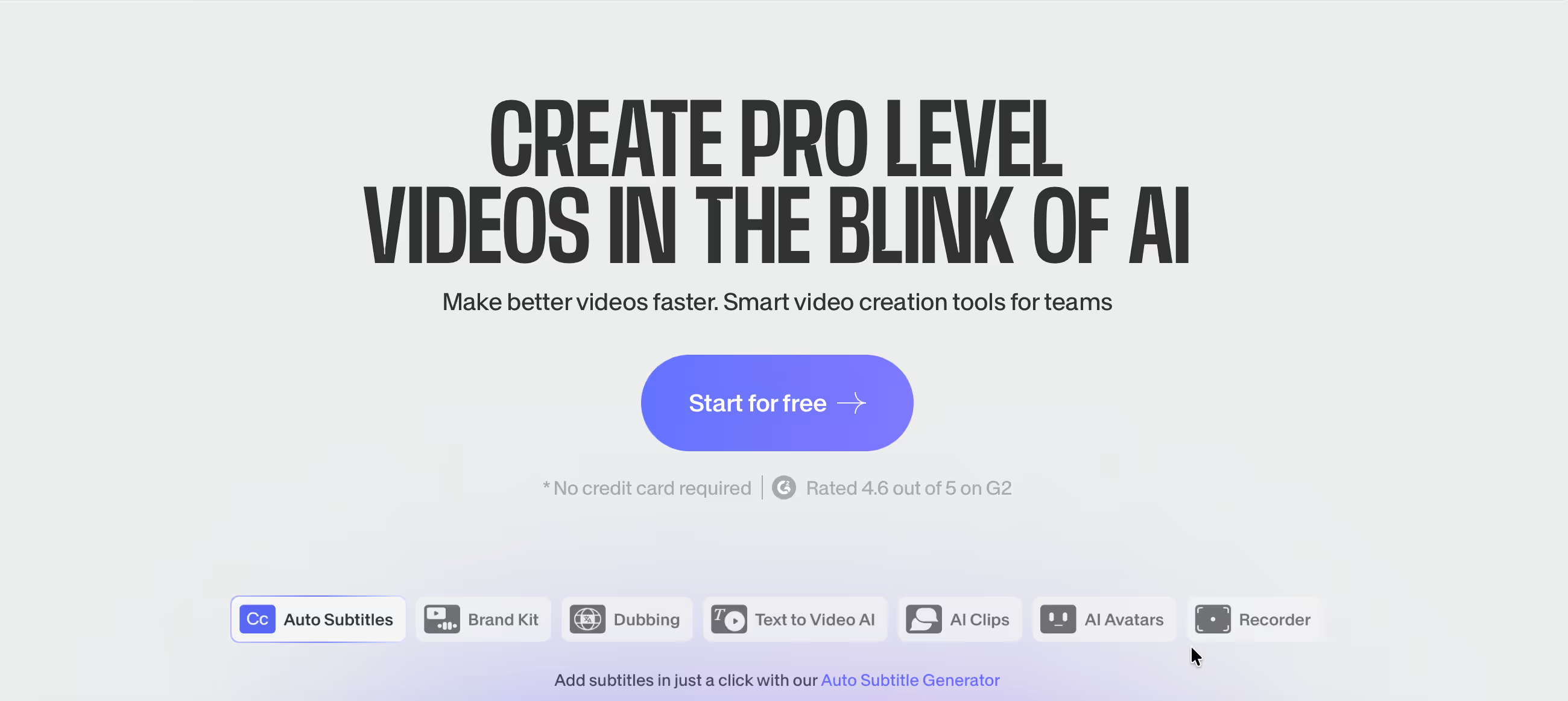
◑ Is VEED.io Right for You?
What it is: Browser-based video editor with AI subtitles and team collaboration. No downloads required. Pricing: Free-$70/month.
Best for: Marketing teams cranking out social content who are sick of software installs and version conflicts.
Main limitation: You'll hit export limits on the free plan pretty quick. Processing 4K takes longer than desktop software.
Get it if: You need your whole team editing videos without IT getting involved. You're making social content, not Hollywood blockbusters.
Skip it if: You're doing serious color grading or need frame-perfect precision. Desktop software still wins for that.
⏼ Why VEED.io?
Your team's stuck emailing massive video files around. Half can't figure out Premiere. The intern's using some sketchy cracked software. VEED.io fixes this mess—everyone edits in a browser, no software wars.
✔ The Browser Advantage
Here's what actually matters: Your teammate on a Mac, you on Windows, your contractor on a Chromebook—everyone's using the same tool. No "it works on my machine" drama. Updates happen automatically. Done.
One content team we talked to was spending 90 minutes per video just on software troubleshooting. After switching to VEED, that dropped to basically zero.
✔ AI Subtitles That Don't Suck
The auto-subtitle feature is genuinely good. Upload, click a button, get 95%+ accurate captions in under a minute. You'll still need to fix the occasional mishear, but it beats typing everything manually.
Supports 100+ languages. The styling's customizable—change fonts, colors, positioning without touching code.
✔ Real Collaboration
Share a link. Your teammate makes edits. You see them live. No more "final_v3_ACTUALLY_FINAL.mp4" nonsense cluttering your drive.
The catch? Premium plans required for full team features. But if you're doing serious volume, you'd hit that tier anyway.

✎ Real Results from VEED.io Users
Marketing teams report cutting video production time in half. Not because VEED's magical—because nobody's fighting software anymore.
Typical results: Teams producing 20+ videos monthly eliminate software installation delays, reduce "it doesn't work on my computer" support tickets to zero, and get non-editors contributing to video projects.
One agency we talked to onboarded a new contractor in 15 minutes. Before VEED, that process took 2 days and IT involvement.
💡 Pro Tip: Build 3-5 templates for your most common video types first week. Your ROI kicks in immediately after that.
⛭ How VEED.io Works
It's your video layer between raw footage and published content. Doesn't replace advanced editing—just handles 80% of what marketing teams actually need.
Setup
Create account, upload a video, start editing. Technical folks wrap it up in 10 minutes. Not technical? Budget 30 minutes to explore the interface.
Brand kit setup (logos, fonts, colors) takes another 15 minutes but saves hours down the line. Do it once, templates pull it automatically.
Daily Workflow
Upload raw footage. Trim clips. Add subtitles (auto-generated). Drop in your logo. Export. Most social videos take 15-20 minutes once you know the interface.
Templates speed things up—create one for Instagram Stories, duplicate it 50 times, swap the footage. Boom.
Team Usage
Share workspace access. Assign videos to team members. Comment directly on timelines instead of vague Slack messages. Everything stays in one place.
Version history means you can't permanently break anything. Screwed up? Roll back. Easy.
⏻ Core Features & Capabilities
VEED focuses on getting videos done fast, not giving you 10,000 options you'll never use.
✔ Video Editing Essentials
Trim, crop, merge clips. Add text, images, audio. Basic transitions and filters. Nothing fancy, but it covers what you actually need for social content.
The timeline's drag-and-drop. If you've used PowerPoint, you'll figure this out.
✔ Smart Features
Auto-subtitles (mentioned above—seriously good). Background removal for talking-head videos. Auto-transcription. Progress bars, waveforms, all the stuff that makes social videos pop.
Stock library included: music, sound effects, video clips. Saves you hunting for royalty-free assets.
✔ Export Options
Direct publish to YouTube, Facebook, LinkedIn, TikTok. Or download MP4s optimized for whatever platform you need. Presets handle the technical stuff automatically.
🚀 Quick Win: Start with your most repetitive video type. Build a template. Your team'll crush out content 3x faster within a week.
⍟ The Verdict: Our Assessment
Overall Rating: 8.5/10. Recommended when you need fast, collaborative video editing without software headaches.
VEED.io nails the 80% of video editing most teams actually need. It's not trying to replace Premiere or Final Cut. It's solving the "we need 30 social videos this month and nobody wants to deal with complex software" problem.
⚡ Bottom Line: Choose VEED.io when your team needs to collaborate on video without software chaos. Skip it if you need professional color grading or you're editing feature films.
✩ What Users Say: Reviews & Ratings
4.6/5 on G2 (470 reviews), 4.6/5 on Capterra (420 reviews). Users love the ease, hate the export limits on cheaper plans.
✔ What Users Love
- Actually Works in Browser: No crashes, no "please restart," no software update interruptions mid-project.
- Subtitle Speed: What used to take an hour takes 60 seconds. Users mention this constantly.
- Team Friendly: Share a link, teammate makes changes. Finally works how it should.
- Support's Human: Actual helpful responses, not copy-paste from a knowledge base.
✗ Common Complaints
- Free Plan Limits: 10 minutes export per month sounds like a lot until you actually start using it. You'll upgrade fast.
- Processing Speed: 4K takes a while. Browser-based means you're not tapping into GPU acceleration like desktop software.
- Mobile App's Basic: Exists, but you'll want the desktop browser for real editing.
⚠ 3 Critical Mistakes to Avoid
Mistake #1: Expecting Desktop Software Performance
The Problem: You're trying to color-grade 4K footage in a browser. Processing takes forever. You're frustrated because this isn't what VEED's built for.
The Cost: Wasted time fighting the tool instead of using it for what it's good at. Your project timeline slips.
⚡ How to Avoid It: Use VEED for social content, quick edits, collaborative projects. Keep Premiere/Final Cut for complex color work. The right tool for the right job.
Mistake #2: Not Setting Up Templates
The Problem: You're recreating the same intro, outro, and styling for every single video. What should take 5 minutes takes 20.
The Cost: If you're doing 20 videos monthly, that's 5 hours wasted on repetitive work. At $50/hour, that's $250 monthly just on inefficiency.
⚡ How to Avoid It: Spend 1 hour week one building templates for your top video types. Save them. Duplicate and edit. Your time savings compound immediately.
Mistake #3: Starting on the Wrong Plan
The Problem: You picked the free plan thinking you'll "try it out." Hit the 10-minute export limit in 2 days. Now you're stuck mid-project deciding if you'll upgrade or export in chunks.
The Cost: Workflow interruption kills momentum. Your team's half-trained on a tool you might not stick with.
⚡ How to Avoid It: If you're serious about video, start with the $18/month Basic plan minimum. If you're just testing, use the free plan but don't commit your team until you upgrade. Make the call week one, not week three when deadlines are looming.
FAQ
How fast can I actually learn VEED.io?
Most people are editing their first video within 30 minutes. If you've used PowerPoint or Canva, the interface feels familiar. Advanced features like chroma keying or audio mixing take a few hours to master, but the core editing? You'll figure it out same day.
Will VEED.io work with my current tools?
Direct integrations with YouTube, Facebook, LinkedIn, TikTok, Instagram. Import from Google Drive, Dropbox. Export to wherever. If you need something custom, the API's there, though most teams never touch it.
What's support actually like?
Email support on all plans, typically 2-4 hours response during business hours. Paid plans get live chat. Higher tiers get priority support and account managers. Knowledge base is thorough, but the in-app help's often enough.
Can I move my existing video projects over?
You can upload any video format. If you're coming from another platform, you'll start fresh—there's no "import project" from Premiere or whatever. But uploading raw footage and rebuilding is usually faster than you'd think.
Is there a real free trial?
14-day free trial of paid features, no credit card required. The free plan continues forever with limitations (10 min exports monthly, watermarks). Most paid plans have 30-day money-back guarantees.
What about security and privacy?
SOC 2 Type II certified. GDPR compliant. Data encrypted. Regular security audits. Enterprise plans add SSO, advanced permissions, audit logs. Your videos stay private unless you explicitly share them.
Suggestly
Find your best-fit B2B tool in 90 seconds
✓ Free personalized recommendations
✓ Based on YOUR business needs
✓ No signup required

VEED.io




