

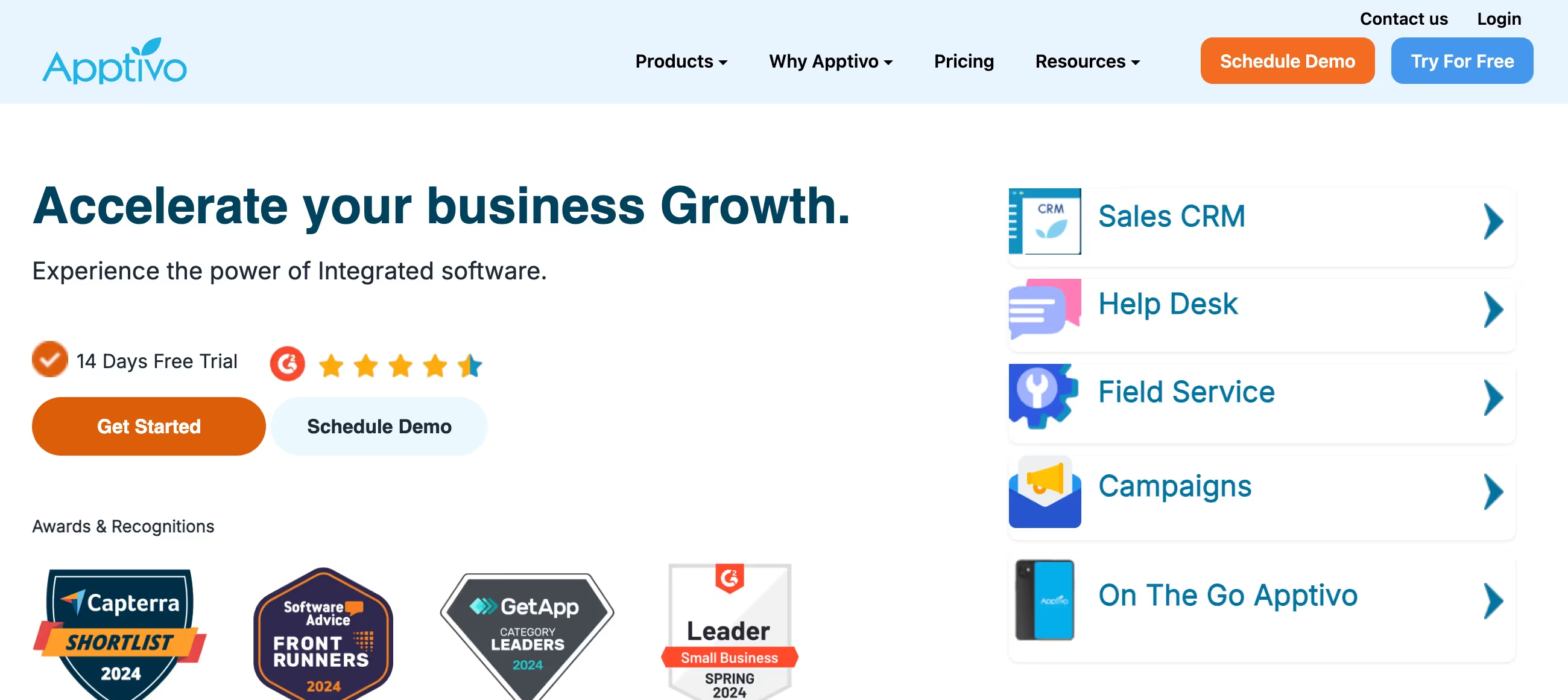
✨ Is Apptivo Right for You?
What it is: An all-in-one business platform that bundles 60+ apps—CRM, invoicing, project management, supply chain, help desk—for one price instead of paying separately for each tool. Built for small businesses tired of juggling multiple subscriptions.
Best for: Small businesses and solopreneurs (1-50 employees) running lean operations, needing multiple business tools without enterprise budgets, willing to accept dated UI for significant cost savings.
Main limitation: Interface feels outdated compared to modern SaaS tools, cross-app reporting doesn't work (frustrating if you need data from multiple modules), and mobile apps lack key desktop features. Performance slows with heavy data loads.
Get it if: You're currently paying for separate CRM, invoicing, project management, and help desk tools—consolidating into Apptivo at $15-50/user saves hundreds monthly. You value functionality over flashy design and have basic workflow needs.
Skip it if: You need bleeding-edge UI/UX, require complex reporting across multiple modules, want enterprise-grade mobile apps, operate with data-intensive workflows requiring speed, or prefer specialized best-in-class tools over jack-of-all-trades platforms.
🎯 Why Apptivo?
Most small businesses pay separately for CRM, invoicing, project management, and help desk tools. Apptivo bundles all 60+ apps for $15-50/month per user, cutting tool costs 40-80% while eliminating data silos between systems.
💰 Consolidation Saves Real Money
A 10-person team paying for separate tools typically spends $1,500-2,500 monthly. Switch to Apptivo Premium ($25/user/month annual) and you're at $250/month—a $15,000-27,000 annual savings. The ROI comes purely from subscription consolidation before you even consider efficiency gains from unified data.
📦 Everything Truly Included
Unlike competitors charging per-app or gating features by tier, Apptivo gives you the full 60+ app suite on every plan. The only difference between Lite/Premium/Ultimate is automation limits, storage, and support level—not which apps you can access. This means you pay for what you use without feature anxiety.
🔧 Customizable Without Code
Custom fields, workflows, page layouts, and business processes configure through point-and-click interfaces. Need to track unique data for your industry? Add custom fields. Want automated followup sequences? Build workflows. The flexibility lets you mold the platform to your business instead of changing your business to fit the software.
🔗 Google Workspace Integration
Deep integration with Gmail, Google Calendar, Google Drive, and Contacts syncs data bidirectionally. If you're already in the Google ecosystem, Apptivo feels like a natural extension rather than yet another disconnected tool. The integration quality exceeds what you'd expect at this price point.
💬 Actually Responsive Support
Live chat available 24/7 with real humans who can screen-share and troubleshoot directly. Premium and Ultimate plans get priority response. This matters when you're a small team without dedicated IT—fast, helpful support prevents expensive downtime and frustration.

📈 What Apptivo Users Typically Achieve
You'll Cut Tool Costs 60-80%
Small businesses consolidating from separate CRM, invoicing, project management, and help desk tools typically save $100-200 per user monthly. A 10-person team easily saves $12,000-24,000 annually in subscription costs alone. The savings are immediate and predictable—you're simply paying less for similar functionality.
Data Silos Disappear
When your CRM, invoicing, and project management share the same database, you stop entering the same customer information three times. Sales closes a deal in CRM, project managers see it immediately in Projects, billing creates invoices from project milestones—all without manual data transfer or integration failures.
Teams Under 50 Get Enterprise Capabilities
You access tools (supply chain management, expense tracking, HR modules) that small businesses typically can't justify buying separately. Having these available means you don't outgrow the platform as you scale from 5 to 50 employees—the same system grows with you.
But You Trade Polish for Price
The dated interface, slower performance, and reporting limitations become daily annoyances. Teams accustomed to modern SaaS tools like HubSpot or Monday.com find Apptivo clunky. You'll spend extra time navigating menus, waiting for pages to load, and manually combining data from separate reports.
Implementation Takes Longer Than Expected
While basic setup is quick, properly configuring custom fields, workflows, permissions, and integrations across multiple apps easily takes 20-40 hours. The extensive customization options are powerful but require time investment to learn and implement correctly. Most small businesses underestimate this upfront effort.
💡 Here's what works: Start with 2-3 core apps (typically CRM and Invoicing), get comfortable with the interface, then gradually activate additional modules. Rushing to configure everything upfront overwhelms users and delays actual adoption. Also, budget for 4-8 weeks of "getting used to it" time where the team adjusts to the dated UI—the savings justify the adaptation period if you set realistic expectations.
🛠️ How Apptivo Works
Think of it as Microsoft Office for business operations—lots of interconnected modules working together, sharing data, with varying degrees of polish across apps. Some modules shine, others feel basic, but everything talks to everything else.
Getting Started
Sign up for the 14-day Ultimate plan trial (no credit card required). You get immediate access to all 60+ apps. Start with CRM to import contacts, then activate whichever apps match your workflows—invoicing, projects, help desk, whatever. The activation model prevents overwhelm since you only see apps you've turned on.
Setup Reality
Basic CRM setup takes 1-2 hours: import contacts, customize fields, configure pipeline stages. But if you're migrating from existing tools and want custom workflows? Budget 10-20 hours for proper configuration across multiple apps. The customization power is there, but it takes time to learn the interface and set everything up correctly.
Daily Workflow
Sales reps work in the CRM module tracking leads and opportunities. When deals close, they generate quotes and invoices without leaving the platform. Project managers assign tasks and track milestones in the Projects app. Support teams handle tickets in the Help Desk. Everyone sees shared contact data—no duplicate entry across systems.
App Ecosystem
The 60+ apps cover: CRM (leads, contacts, opportunities), Sales (quotes, orders), Invoicing & Billing, Projects & Tasks, Supply Chain (vendors, purchase orders, inventory), Help Desk (tickets, knowledge base), Email Marketing, Expense Tracking, Time Sheets, HR tools, and more. You won't use everything, but having options means you don't outgrow the platform quickly.
Mobile Experience
iOS and Android apps handle basic tasks—check contacts, update deals, create invoices, log time. But functionality is noticeably reduced versus desktop. Complex workflows, detailed reports, and some configuration options require desktop access. It works for checking information on the go, not running your business from your phone.
Reporting Frustration
Here's the big limitation: you can't easily create reports pulling data across multiple apps. Want to see project profitability including time tracked, expenses logged, and invoices paid? You're doing manual work combining data from separate reports. Each app has its own reporting, but cross-app analytics require exports and spreadsheets.
⚙️ Core Features & Performance
📊 CRM & Sales
Contact and account management, lead tracking, opportunity pipeline, email integration, sales forecasting, quote generation—all the standard CRM features work well. The pipeline visualization is clear, custom fields let you track industry-specific data, and Gmail integration syncs conversations automatically. Automation handles lead assignment, followup reminders, and task creation.
💵 Invoicing & Billing
Professional invoice templates, recurring billing, online payment acceptance (Stripe, PayPal, Authorize.net), expense tracking, payment reminders—everything small businesses need for billing. Generate invoices directly from CRM opportunities or project milestones. Clients pay online through payment links. It replaces standalone tools like FreshBooks or QuickBooks for straightforward billing needs.
📋 Project Management
Task assignment, milestone tracking, Gantt charts, time tracking, project templates, resource allocation—solid project management for teams under 50 people. Not as sophisticated as Asana or Monday.com for complex project workflows, but more than adequate for managing client projects, internal initiatives, and team collaboration.
🎫 Help Desk & Support
Ticket management, knowledge base, customer portal, SLA tracking, canned responses—basic help desk functionality. Email-to-ticket conversion routes support requests automatically. Customers check ticket status through self-service portal. Works well for small support teams handling moderate ticket volumes (not enterprise call centers).
📧 Email Marketing
Contact segmentation, email campaigns, template builder, open/click tracking, automation sequences—basic email marketing. Not as powerful as dedicated tools like Mailchimp or ActiveCampaign, but handles simple newsletters and drip campaigns without paying for another subscription.
🔌 Integrations
Native connections to Google Workspace, QuickBooks, Stripe, PayPal, Zapier, Slack, Mailchimp, and dozens of other tools. The Zapier integration opens thousands of additional connection possibilities. API access enables custom integrations when needed, though documentation could be more comprehensive.
🚀 Quick Win: Start with just CRM and Invoicing—the two apps most small businesses need immediately. Get comfortable with the interface and workflow before activating additional apps. This prevents overwhelm and lets you learn gradually while getting immediate value.
📊 The Verdict: Our Assessment
7.8/10 - Apptivo delivers exceptional value for budget-conscious small businesses consolidating multiple tools, but dated interface and cross-app reporting gaps frustrate teams needing polish or complex analytics.
🎯 Bottom Line: Choose Apptivo when cost savings from tool consolidation outweigh the need for modern UI and advanced features. You're paying $15-50/month instead of $150-250 for separate tools—the ROI is immediate if you can live with the dated interface and basic reporting.
⚠️ Skip if: You need best-in-class specialized tools, require sophisticated cross-app reporting, want enterprise-grade mobile apps, operate data-intensive workflows needing speed, or place high value on modern UI/UX over cost savings.
💬 What Users Say: Reviews & Verified Experiences
User ratings: 4.4/5 on G2 (280+ reviews), 4.3/5 on Capterra (600+ reviews).
👍 Pros: What Users Love
- Exceptional Value: "This software is a great price with an amazing amount of features. It is completely customize-able for any industry and fairly easy to use," GetApp review. The all-inclusive pricing model saves thousands annually versus buying separate tools.
- Consolidation Benefits: "Apptivo has greatly improved our efficiency with the company and has helped streamline our production and customer contacts at an affordable price," GetApp reviewer. Having CRM, invoicing, projects, and support in one platform eliminates duplicate data entry.
- Excellent Customer Support: "I just started using the program for our wholesale side of our company, and its been very good, but the customer service is really the reason I am reviewing this... they went as far as connecting to my own computer and spent a good 20 min," GetApp review. The 24/7 live chat with screen-sharing genuinely helps troubleshoot issues.
- Google Integration: "What's more, Apptivo effortlessly syncs with the Google product suite, which is a tremendous advantage... It's like a seamless extension," Capterra verified review. The deep Google Workspace integration works exceptionally well for Gmail-based businesses.
👎 Cons: Common Complaints
- Dated Interface: The UI looks and feels outdated compared to modern SaaS tools. Navigation can be confusing with so many apps and modules. New users face a learning curve getting comfortable with the interface design and layout logic.
- Cross-App Reporting Doesn't Work: "The inability to report on fields that live in different apps. This was a key feature we had noted when looking at CRMs and the expectation was that this functionality was 6-12 months away in Apptivo, however 3+ years later it still does not exist," Capterra verified review. This is the platform's most frustrating limitation.
- Performance Issues: "Sometimes it gives some errors and hangs and it is not possible to support it at the time," Capterra CEO review. The platform can be slow, especially with larger datasets or during peak usage times. Occasional bugs and freezing frustrate users.
- Mobile App Limitations: The mobile apps lack functionality compared to desktop. Complex tasks, detailed configuration, and comprehensive reporting all require desktop access. Field teams working primarily from phones find the experience limiting.
🚫 3 Critical Mistakes to Avoid
Mistake #1: Activating All 60+ Apps Immediately
A consulting firm signed up for Apptivo excited about consolidating tools. They activated all available apps on day one—CRM, projects, invoicing, supply chain, HR, help desk, everything. Three weeks later, half the team still wasn't using the platform because the interface felt overwhelming with dozens of unfamiliar modules and confusing navigation between apps they didn't need.
⚡ Fix it: Start with 2-3 apps maximum—typically CRM and one other (invoicing, projects, or help desk). Get the team comfortable with basic workflows before adding more. Activate new apps only when you have specific use cases and time to configure them properly. Gradual rollout prevents overwhelm and ensures each app gets implemented correctly rather than everything getting half-configured.
Mistake #2: Expecting Modern UI/UX
A marketing agency switched from HubSpot to Apptivo for cost savings. Their team of millennials and Gen Z employees hated the dated interface so much that adoption stalled at 40%. They kept using personal spreadsheets and Gmail because Apptivo felt "clunky and old-fashioned." The cost savings never materialized because the team rejected the tool.
⚡ Fix it: Before committing, have your actual users (not just decision-makers) test the interface during the trial period. If your team values modern UI/UX highly and shows resistance, the cost savings won't overcome user rejection. Apptivo works best for teams who prioritize functionality and cost over design aesthetics—know which type your team is before purchasing. Sometimes paying more for a prettier tool delivers better ROI through higher adoption.
Mistake #3: Planning Complex Cross-App Reports
A manufacturing company bought Apptivo planning to track project profitability by combining time sheets, expenses, invoices, and purchase orders across multiple apps. Six months in, they discovered cross-app reporting doesn't work—each app has separate reporting with no way to pull data together. They ended up manually exporting data to spreadsheets for the analysis they needed, adding hours of work weekly.
⚡ Fix it: During your trial, test the specific reports you need with real data. If you require analytics pulling from multiple apps (project profitability, customer lifetime value across sales and support, etc.), verify Apptivo can actually produce those reports. For many scenarios, it can't—and you'll need either manual spreadsheet work or third-party analytics tools. Understanding this limitation upfront lets you decide if the cost savings justify the reporting workarounds.
FAQ
How much does Apptivo really cost?
Plans range $15-50/user/month (annual billing). Lite $20/month ($15 annual), Premium $30 ($25 annual), Ultimate $50 ($40 annual). All plans include all 60+ apps—no per-app charges.
Can I really replace multiple tools with Apptivo?
Yes for basic needs—CRM, invoicing, projects, help desk, email marketing work well. Won't match specialized tools' advanced features, but covers 80% of small business workflows.
Why does the interface look so dated?
Apptivo prioritizes functionality and affordability over UI redesigns. The trade-off: you get comprehensive features cheap, but it looks/feels like software from 2015.
Does cross-app reporting actually work?
No—this is the platform's biggest limitation. Each app has separate reporting; pulling data across apps requires manual exports and spreadsheet work.
How long does implementation take?
Basic CRM setup: 1-2 hours. Proper multi-app configuration with custom workflows: 20-40 hours. Factor in 4-8 weeks for team to adapt to the interface.
Is support actually good?
Yes—24/7 live chat with screen-sharing, knowledgeable reps, quick response times. Support quality consistently praised in reviews across all plan tiers.
Suggestly
Find your best-fit B2B tool in 90 seconds
✓ Free personalized recommendations
✓ Based on YOUR business needs
✓ No signup required

Apptivo




