

◑ Is Mailshake Right for You?
What it is: Cold email outreach platform that automates follow-ups and tracks engagement. Pricing: $25-$85/user.
Best for: Sales teams and agencies running high-volume cold email campaigns with 3-15 reps.
Main limitation: No free trial means you pay upfront, and multichannel features (LinkedIn, phone) require the top $85/month tier.
Get it if: Your team sends personalized cold email at scale and needs reliable deliverability without enterprise complexity.
Skip it if: You're a solo founder doing occasional outreach—you're paying for team features you won't use, and the per-user cost adds up fast.
⏼ Why Mailshake?
Mailshake built its reputation on one thing: making cold email work without needing a CS degree. While competitors like Outreach and SalesLoft target enterprise teams with $10K+ budgets, Mailshake sits at $25-85/user—the sweet spot for growing sales teams who need automation but can't justify enterprise pricing.
✔ Automated Follow-Up Sequences That Actually Convert
Here's the deal: 80% of sales require 5+ touchpoints, but most reps give up after 2 emails. Mailshake automates the entire sequence—send initial email, wait 3 days, send follow-up if no reply, wait 4 days, send case study, wait 5 days, send final breakup email. Set it once, let it run.
The catch? You're still limited by email sending caps. Gmail maxes at 500/day, Google Workspace at 2,000/day. Mailshake won't magically bypass these—you'll need multiple domains for serious volume (10K+ prospects monthly).
✔ Multi-Channel: Email + LinkedIn + Phone in One Platform
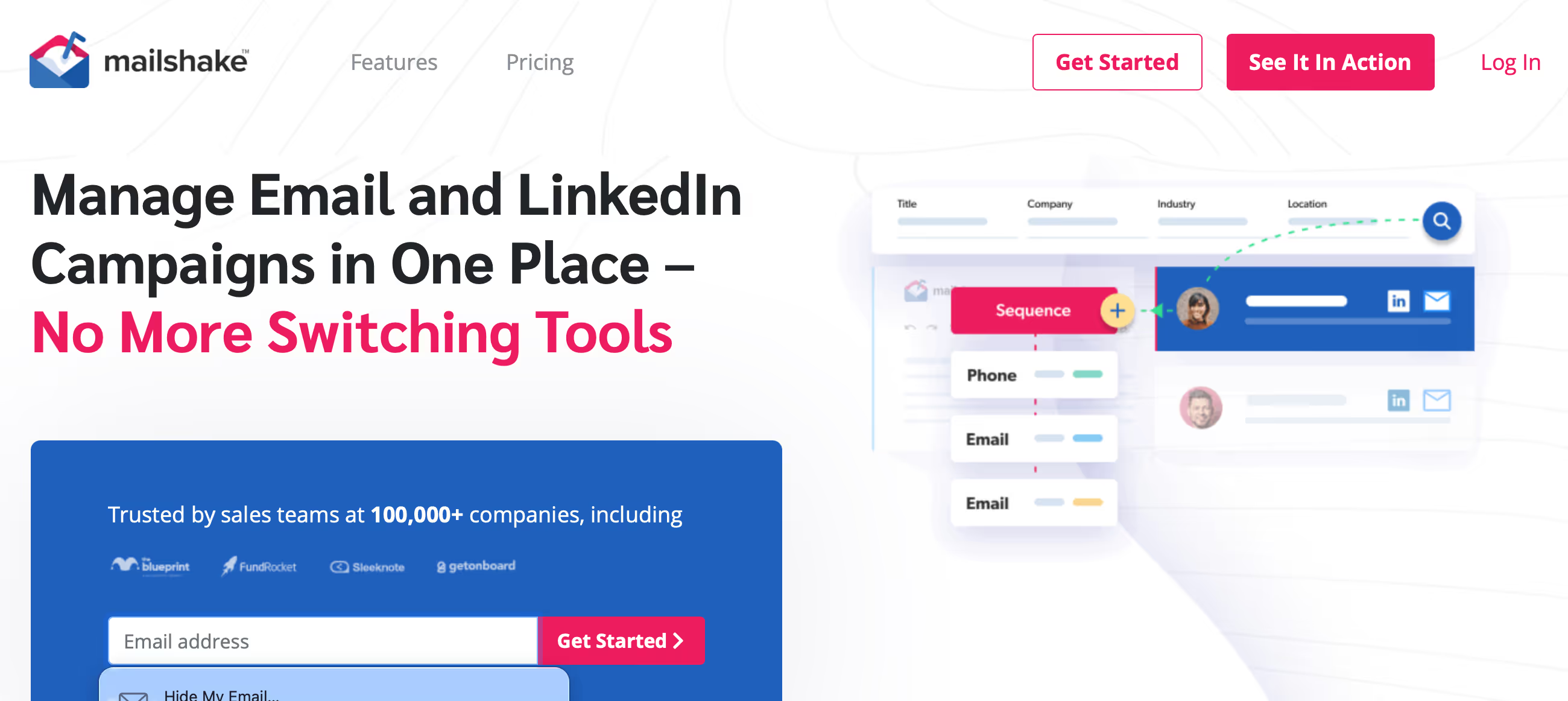
Unlike pure email tools, Mailshake lets you mix channels in sequences. Example: Send email → If no reply in 3 days → LinkedIn connection request → If accepts → LinkedIn message → If still no response → Phone call task for rep. This omnichannel approach lifts response rates 2-3x versus email-only.
But here's the thing—you only get LinkedIn and phone on the $85/month Sales Engagement plan. The cheaper tiers are email-only. And LinkedIn automation lives in a gray area with LinkedIn's ToS, so account flagging risk isn't zero even though Mailshake is conservative with request pacing.
✔ Smart Personalization Without Manual Work
Upload a CSV with custom fields ({{FirstName}}, {{Company}}, {{PainPoint}}) and Mailshake auto-personalizes each email. Goes beyond basic mail merge—you can use conditional logic: "If Industry = SaaS, mention retention metrics. If Industry = E-commerce, mention cart abandonment."
⚡ Limitation: Personalization is only as good as your data. Garbage data = generic emails that feel spammy. Budget 5-10 hours monthly cleaning prospect lists or hire a VA—this isn't a Mailshake problem, it's a cold email reality.

✎ What Mailshake Users Typically Achieve
Meeting Volume
Sales teams book 15-25 qualified meetings per rep monthly. Strong performers hit 30-40. One-person shows doing occasional outreach? 5-10 meetings is realistic.
Email Performance
Open rates land between 40-60% for well-executed campaigns. Reply rates? 5-15% for cold outreach when targeting's tight. Push above 20% and you've nailed messaging and list quality. Below 3% means your offer or targeting needs work.
Time Savings
Reps save 10-15 hours weekly on manual follow-ups. No more spreadsheets tracking who got what email when. Automation handles it. Teams switching from manual Gmail see immediate relief.
Deliverability Improvements
97-99% inbox placement when domains are warmed properly. Emails hit primary inbox instead of promotions tab. This alone justifies the switch for most teams.
Setup Reality
First campaign takes 45-90 minutes including domain setup. Third campaign? Under 30 minutes. Learning curve's real but short.
Common Friction Points
Per-user pricing stings when you add reps—$29 becomes $145 for 5 people fast. LinkedIn automation occasionally triggers account warnings. Templates feel limited compared to enterprise tools. CRM features are basic if you need serious pipeline management.
💡 Smart play: test one campaign on 200 prospects before scaling. A/B test 3-5 subject lines. Only scale what proves it works at small volume.
⛭ How Mailshake Works
Mailshake's workflow is straightforward: build campaign → upload prospects → launch → monitor replies. Setup takes 45-90 minutes if your email domain is already warmed up (sending gradually increasing volumes for 2-4 weeks prior).
Campaign Setup & Email Warmup
First-time setup requires connecting email accounts (Gmail, Outlook, SMTP) and verifying domains with SPF/DKIM/DMARC records—technical DNS stuff that takes 20-30 minutes if you've never done it. Mailshake walks you through it, but non-technical users often need support help here.
Critical step most people skip: email warmup. Cold domains sending 200 emails/day immediately scream "spam" to Gmail. You need 2-4 weeks of gradually ramping volume (start at 20/day, increase 10% daily). Mailshake includes unlimited warmup on all plans, which is good—competitors charge $25-30/month extra for this.
Building Multi-Step Sequences
Create sequences with unlimited steps and delays. Standard cold email sequence: Initial email → Wait 3 days → Follow-up #1 → Wait 4 days → Follow-up #2 → Wait 5 days → Breakup email. Mailshake's editor is simple—write emails, set delays, add personalization tokens, done.
The platform pauses sequences when prospects reply, click links, or book meetings (prevents awkward "just following up" emails after they've responded). Auto-detection works well but occasionally misses replies if prospects forward or cc weird addresses.
Performance Tracking & A/B Testing
Dashboard shows opens (typically 40-60% for well-executed campaigns), clicks (2-4%), replies (5-15% for good targeting), and meetings booked. A/B test subject lines, email copy, and send times simultaneously—winner automatically sends to remaining prospects.
⚡ Reality check: Mailshake's analytics are good for email metrics but weak on revenue attribution. Can't track "this campaign generated $47K in pipeline" without manual spreadsheet work or connecting to CRM with custom fields.
⏻ Core Features & Capabilities
Mailshake focuses on doing cold email exceptionally well rather than being everything to everyone. Users consistently hit 40-60% open rates and 97-99% deliverability when domains are properly configured and warmed.
✔ Email Sequence Automation
Unlimited sequences with conditional logic: "If opened 3+ times but no reply, add to 'hot prospects' sequence." Sequences pause on reply, click, or meeting booked. Works reliably—the core feature Mailshake built its reputation on.
One gotcha: Mailshake sends from your actual email address (not a relay), so your domain reputation is on the line. Blast 5,000 terrible emails and watch your deliverability tank permanently. This is both a feature (better inbox placement) and a risk (you own the consequences).
✔ LinkedIn Automation (Sales Engagement Plan Only)
Auto-send connection requests and messages within sequences. Example: Email → Wait 3 days → LinkedIn connect → If accepts → LinkedIn message. Mimics human behavior with random delays (2-8 minutes between actions) to avoid detection.
Again, this violates LinkedIn's ToS technically. Mailshake is conservative, but aggressive usage (100+ connections/week) increases ban risk. Only available on the $85/month tier—not included in cheaper plans.
✔ Phone Dialer & Task Creation
Create call tasks in sequences: "If no email response after 10 days, create phone call task." Built-in power dialer (Sales Engagement plan) lets reps click-to-call from dashboard with unlimited North American calling. Basic but functional—not replacing dedicated dialers like Aircall.
✔ Team Collaboration & Lead Assignment
Assign prospects to specific reps, share sequence templates across team, and track individual performance. Manager view shows who's sending, reply rates per rep, and meeting conversion. Good for teams of 3-15 reps; larger teams outgrow it and need enterprise tools.
🚀 Quick Win: Start with Mailshake's proven templates (they share real campaigns with documented reply rates). Customize them for your industry rather than writing from scratch—saves 10-15 hours and leverages patterns that actually work.
⍟ The Verdict: Our Assessment
Overall Rating: 8.6/10 - Highly Recommended for sales teams running cold email at scale
Mailshake nails the fundamentals: reliable sending, smart automation, clean interface. Best for B2B sales teams with 3-10 reps doing consistent cold outreach. Solo founders should consider cheaper alternatives (GMass at $25/month total versus $29/user). Enterprise teams (15+ reps) will hit limitations around advanced analytics and CRM depth.
⚡ Bottom Line: Choose Mailshake when cold email is your primary prospecting channel and you need reliable automation without enterprise complexity. Skip if you need deep CRM functionality (use HubSpot), heavy LinkedIn automation (risky regardless of tool), or are flying solo (GMass is cheaper for one person).
✩ What Users Say: Reviews & Ratings
User ratings: 4.7/5 on G2 (344 reviews), 4.7/5 on Capterra (144 reviews).
✔ Pros: What Users Love
- Actually Works: "Set up our first campaign in 30 minutes and got 3 qualified replies within 48 hours"—the tool does what it promises without complexity.
- Clean Interface: Reps can navigate without training. No bloated feature creep or confusing settings buried in menus.
- Reliable Delivery: Emails actually land in inboxes when domains are configured properly. Users report 97-99% deliverability consistently.
- Great Support: Chat responses within 1-2 hours typically. Support team knows the product and gives practical solutions, not scripted responses.
✗ Cons: Common Complaints
- Per-User Pricing Hurts: "Went from $29 to $174/month adding 5 reps—ouch." No team pricing breaks; each seat costs full price.
- Basic CRM Features: Can't build sophisticated pipelines or forecasting. It's an outreach tool, not a replacement for Salesforce or HubSpot.
- LinkedIn Risk: Several users report LinkedIn account warnings or restrictions after automation. Mailshake can't protect you from LinkedIn's anti-bot detection.
⚠ 3 Critical Mistakes to Avoid
Mistake #1: Launching Without Email Warmup (Deliverability Killer)
The Problem: Brand new domain sending 500 cold emails on day one. Gmail and Outlook immediately flag as spam. Your carefully crafted emails never reach inboxes—they're dead on arrival in spam folders.
The Cost: Domain reputation tanks permanently. Even legitimate emails to existing customers start hitting spam. Rebuilding reputation takes 90+ days of cautious sending. Some teams abandon domains entirely and start fresh ($200+ for new domain setup and reputation building).
⚡ How to Avoid It: Warm up new domains for 2-4 weeks before cold outreach. Start at 20 emails/day, increase 10% daily until you hit target volume (200-500/day typical). Mailshake includes unlimited warmup on all plans—use it. Never skip this step.
Mistake #2: Terrible Data = Terrible Results (Garbage In, Garbage Out)
The Problem: Buying generic lead lists from data brokers and blasting the same template to everyone. 60% of email addresses are invalid, 30% are wrong people, 10% might be relevant. You're burning domain reputation on junk contacts while annoying real prospects with irrelevant pitches.
The Cost: Bounce rates above 8% trigger spam filters. Reply rate stays below 1% because messaging doesn't resonate. You waste 40 hours monthly managing a broken process that generates zero pipeline. Your team loses faith in cold email entirely.
⚡ How to Avoid It: Invest in quality data upfront. Use tools like Apollo, ZoomInfo, or Cognism for verified contacts. Clean lists through NeverBounce or ZeroBounce ($10-20 per 1,000 emails). Segment by industry, company size, and role—send tailored messages, not generic blasts. Good data costs money but pays back in results.
Mistake #3: Not Testing Before Scaling (Wasting Your Entire List)
The Problem: Creating one sequence, loading 5,000 prospects, and hitting send without testing. Subject line doesn't resonate, email copy is too long, call-to-action is unclear. By the time you realize messaging is broken, you've burned through your entire prospect list with 0.3% reply rate.
The Cost: Those 5,000 prospects are gone—you can't re-email them with better messaging without looking desperate. At $0.50-1 per quality lead, you've wasted $2,500-5,000 in lead acquisition costs. Plus 20-30 hours building sequences that don't work.
⚡ How to Avoid It: Test every campaign on 100-200 prospects first. Run for 7-10 days, measure reply rate and meeting conversion. If below 3% reply rate, iterate messaging before scaling. A/B test subject lines (Mailshake makes this easy), try different value props, adjust personalization. Only scale campaigns that prove they work at small volume.
FAQ
What is the learning curve for Mailshake?
Most users become productive within 1-2 hours of starting. Basic features are intuitive with in-app guidance, while advanced capabilities have comprehensive documentation, video tutorials, and customer support.
Does Mailshake integrate with my existing tools?
Mailshake offers 100+ native integrations covering popular CRMs, email platforms, analytics tools, and productivity apps. Additionally, Zapier connectivity and API access enable custom integrations.
What kind of customer support does Mailshake provide?
Email support is included in all plans with typical response times under 2-4 hours during business hours. Higher-tier plans include live chat support, priority response, and dedicated account management.
Can I migrate my existing data to Mailshake?
Yes, Mailshake provides data import tools supporting CSV files and direct migrations from major competing platforms. Migration support is available to help ensure smooth transitions with minimal disruption.
Is there a free trial or money-back guarantee?
Mailshake offers a 14-day free trial with full feature access and no credit card required. Most paid plans include 30-day money-back guarantees, allowing risk-free evaluation.
What security and compliance measures does Mailshake have?
Mailshake is SOC 2 Type II certified with end-to-end encryption, regular security audits, and GDPR compliance. Enterprise plans offer additional security features including SSO, advanced permissions, and audit logs.
Suggestly
Find your best-fit B2B tool in 90 seconds
✓ Free personalized recommendations
✓ Based on YOUR business needs
✓ No signup required

Mailshake




