

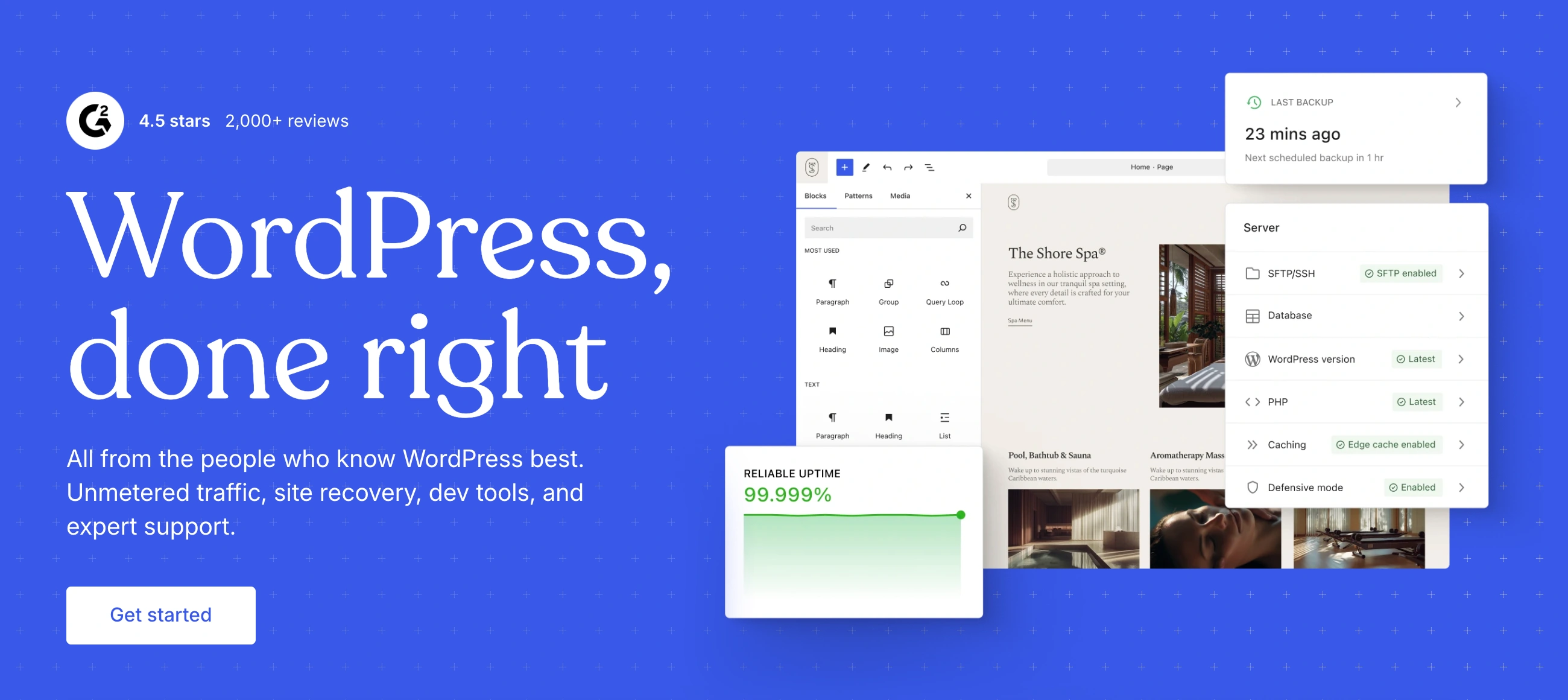
✨ Is WordPress.com Right for You?
What it is: Managed WordPress hosting where Automattic (the company behind WordPress) handles your server, updates, backups, and security. You get WordPress power without touching server configuration.
Best for: Bloggers, publishers, content-heavy sites, and businesses that want WordPress flexibility without hiring developers or managing servers.
Main limitation: Lower-tier plans lock you out of plugins and custom themes. You need the Business plan ($25/month) to install third-party plugins, which is when WordPress.com actually becomes WordPress.
Get it if: You want WordPress without server headaches, prioritize writing and content over customization, or need managed hosting with automatic updates and security.
Skip it if: You need full plugin control from day one, want the cheapest WordPress hosting possible, plan heavy customization, or already have a developer who can manage self-hosted WordPress.org.
🎯 Why WordPress.com?
WordPress powers 43% of the web, but managing it yourself means dealing with hosting, security patches, backups, and plugin conflicts. WordPress.com removes that entire burden—Automattic handles the server stuff so you focus on content.
🔒 Security and Updates Without Lifting a Finger
Your site gets WordPress core updates automatically. Security patches deploy immediately. Backups run daily on paid plans. This matters when self-hosted sites get hacked because owners forgot to update a plugin for three months.
📝 Built for Publishing First
The WordPress editor (Gutenberg) handles everything from simple blog posts to complex page layouts with blocks. If you're coming from Medium or Substack, the publishing workflow feels instantly familiar but with way more control over design and monetization.
♾️ Unlimited Bandwidth From Day One
Even the free plan includes unlimited bandwidth. Your post goes viral and drives 100,000 visitors in a day? No overage charges, no site crashes from traffic spikes. Most cheap hosting would buckle or bill you thousands.
🌐 The WordPress Ecosystem Access
You're not locked into a proprietary platform. Move to self-hosted WordPress.org anytime with full content export. The skills you learn transfer directly. The 60,000+ plugins and themes built for WordPress work here (once you hit Business plan).

📈 What WordPress.com Users Typically Achieve
You'll Launch a Real WordPress Site Without Hiring Anyone
Most users publish their first post within an hour of signup. The free plan lets you test the editor and build content before spending money. Writers coming from Medium or Substack find the transition smooth—better ownership, more control, similar writing experience.
Managed Hosting Saves You From Yourself
Your site won't go down because you forgot to update a security patch. Backups run automatically. When WordPress core releases an update, it applies immediately. For non-technical owners, this prevents the disasters that plague DIY WordPress sites.
The Business Plan Unlocks Everything
Hit $25/month and suddenly you have full WordPress. Install Yoast SEO, contact form plugins, page builders, membership systems—the entire 60,000+ plugin ecosystem. You're no longer on a restricted platform; you're on actual managed WordPress.
Content Portability Provides Real Exit Strategy
Your content exports to standard WordPress format anytime. Decide WordPress.com is too expensive? Move to self-hosted WordPress.org or any WordPress host. Your URLs, content, images all transfer. Compare this to proprietary platforms where migration means rebuilding from scratch.
Where Reality Bites
You spend 6 months on the free plan building content, then realize you need plugins to accomplish your actual goals. Suddenly you're looking at $300/year minimum for Business. The Personal and Premium tiers feel like traps—too limited to be useful, too expensive to justify without plugin access.
💡 Here's what works: Use the free plan only for learning or hobby blogs you'll never monetize. If you need any real functionality, budget for Business plan ($25/month) from day one. Skip Personal and Premium entirely—they're awkward middle tiers that don't deliver enough value.
🛠️ How WordPress.com Works
Think managed hosting with WordPress pre-installed and optimized. You sign up, pick a plan, and start publishing immediately.
Getting Started
Create an account and choose your plan—Free, Personal ($4/month), Premium ($8/month), Business ($25/month), or Commerce ($45/month). The free plan gets you a subdomain (yoursite.wordpress.com) with WordPress ads. Paid plans remove ads and add a custom domain free for the first year.
Building Your Site
The block editor (Gutenberg) is your primary interface. Add text blocks, image galleries, embedded videos, buttons, columns—140+ block types total. Each block has styling controls. Page layouts build visually without touching code. If you want the classic WordPress admin, switch to it in settings—it's all still there.
Content Publishing
Write posts, schedule publishing, manage categories and tags, create pages. The workflow matches traditional WordPress exactly. RSS feeds generate automatically. Built-in social sharing pushes to Twitter, Facebook, LinkedIn. Email subscriptions via Jetpack come included.
Adding Functionality
Free and Personal plans: You're stuck with built-in features only. No plugin installs. Premium ($8/month): Still no plugins, but you get premium themes and some monetization options. Business ($25/month): Full plugin access unlocks. Install any WordPress plugin—Yoast SEO, WooCommerce, contact forms, whatever. This is when WordPress.com becomes actual WordPress.
Ecommerce Setup
Commerce plan ($45/month) comes with WooCommerce pre-configured. Add products, set up payments through Stripe or PayPal, configure shipping. WordPress.com takes 0% transaction fees but payment processors still charge their normal 2-3%.
⚙️ Core Features & Performance
🎨 Themes and Customization
Free plan: 200+ free themes with limited customization. You can change colors and fonts through the customizer but can't edit CSS. Personal/Premium: Access to premium themes (hundreds more options) plus CSS editing. Business/Commerce: Install any WordPress theme from anywhere. Upload custom themes. Full control.
🔌 Plugin Ecosystem
This is the big differentiator. Free/Personal/Premium plans: Zero plugin installs allowed. You get Jetpack features built-in (stats, security, social sharing) but that's it. Business plan ($25/month): Install any WordPress plugin. The 60,000+ plugin library opens up. This includes SEO tools, page builders, membership systems, everything. Commerce plan: Same as Business plus WooCommerce optimizations.
⚡ Performance and Speed
WordPress.com runs on their global CDN with automatic caching. Sites load fast—testing shows typical 1-2 second page loads for text-heavy sites. They handle the infrastructure optimization, which self-hosted sites often get wrong.
📊 Analytics and Insights
Built-in Jetpack Stats show page views, referrers, popular posts, search terms. It's basic but sufficient for most bloggers. Business+ plans can install Google Analytics or any analytics plugin. The stats show last 7 days on free plans, full history on paid plans.
💰 Monetization Options
Free plan: Nothing. You can't run ads or accept payments. Personal plan: Still nothing. Premium plan ($8/month): WordAds (WordPress's ad network) becomes available, though revenue sharing means most of the money goes to WordPress.com. Business plan ($25/month): Install any ad network, affiliate plugins, membership systems. Full monetization control. Commerce plan ($45/month): Full ecommerce with WooCommerce.
🚀 Quick Win: Start on the free plan to learn the WordPress editor and build your content library. Upgrade to Business when you need plugins or Custom when you need to sell. This avoids paying while you're still figuring things out.
📊 The Verdict: Our Assessment
7.8/10 - WordPress.com delivers managed WordPress hosting that removes server headaches, but restrictive lower-tier plans and pricing that exceeds basic shared hosting make it a strategic choice, not a default one.
🎯 Bottom Line: Choose WordPress.com when you want WordPress power but hate dealing with hosting, updates, and security. It's the managed WordPress option that actually works. Just budget for the Business plan if you need plugin freedom.
⚠️ Skip if: You're comfortable with hosting management and want full control from day one, need plugins on a tight budget, or already found cheap shared hosting at $3-5/month.
💬 What Users Say: Reviews & Verified Experiences
User ratings: 4.3/5 on G2 (640 reviews), 4.4/5 on Capterra (1,400 reviews), 3.5/5 on Trustpilot (3,900+ reviews).
👍 Pros: What Users Love
- Publishing Just Works: "WordPress is a wonderful place to blog, to express yourself and not be judged. You can write about just anything without any experience," Trustpilot reviewer. The focus on content creation over technical management resonates with writers and bloggers.
- No Server Headaches: "Makes my job as a blogger easy, and I do not need to have any tech knowledge before modifying my blog layout," G2 review. Automatic updates and managed hosting eliminate the maintenance burden that kills self-hosted WordPress sites.
- Flexibility When You Need It: "It's flexible: I can create portfolio pages, client landing pages, or full websites without limitations," Capterra reviewer. The Business plan unlocks the full WordPress ecosystem without migration pain.
- Reliable Performance: Multiple users praise uptime and speed. The infrastructure rarely goes down, and the global CDN delivers content fast regardless of visitor location.
👎 Cons: Common Complaints
- Lower Tiers Are Crippled: "If you are not paying them $300 per year for a single website, forget it," Trustpilot review. WordPress.com "got greedier and greedier, moving more and more features to the most expensive plan." The free and Personal plans lock out so much functionality they barely qualify as WordPress.
- Aggressive Branding on Paid Plans: "There's always been the infamous footer begging every visitor to sign up for Wordpress.com...now it's even on paid plans except the $300/year plan," detailed Sitejabber complaint. WordPress.com ads and branding persist until you hit Business tier.
- Learning Curve Despite Simplicity: "I WANTED to like Wordpress...its usability and functionality is incredibly difficult," Trustpilot reviewer. For users coming from truly simple builders like Squarespace or Wix, WordPress still feels technical and overwhelming.
- Support Can Be Hit or Miss: "Wordpress.com has a steep learning curve," Capterra review. While documentation exists, getting personalized help requires higher-tier plans. Lower-tier users rely on community forums.
🚫 3 Critical Mistakes to Avoid
Mistake #1: Paying for Personal or Premium Plans
A food blogger signed up for the Personal plan ($4/month) thinking it would let her monetize through affiliate links and run ads. Six months and $24 later, she discovered Personal plans can't install plugins, meaning no affiliate link management tools. She needed Business plan ($25/month) to do anything beyond basic blogging.
⚡ Fix it: Jump straight from free to Business. Personal ($4/month) and Premium ($8/month) remove WordPress.com ads and add custom domains, but you still can't install plugins or truly customize. Business ($25/month) unlocks actual WordPress. The middle tiers waste money unless you genuinely need nothing but a basic blog with a custom domain.
Mistake #2: Expecting Wix-Level Simplicity
A small business owner switched from Wix to WordPress.com expecting similar drag-and-drop simplicity. She spent two days fighting the block editor trying to recreate her Wix layouts. The learning curve frustrated her so much she abandoned the migration and lost her domain transfer fee.
⚡ Fix it: WordPress.com is still WordPress—more powerful but less intuitive than true website builders. If you're coming from Wix, Squarespace, or Shopify, expect 2-3 weeks to get comfortable. Test the free plan extensively before committing to annual payments. WordPress excels at content publishing, not visual design simplicity.
Mistake #3: Not Calculating Total Cost of Ownership
An online course creator chose WordPress.com Commerce ($45/month) plus WooCommerce extensions ($300/year for memberships and subscriptions), payment gateway fees (3% per transaction), and email marketing integration ($20/month). Total cost: $1,100+/year plus transaction fees. Teachable would've been $468/year with built-in everything.
⚡ Fix it: WordPress.com pricing looks competitive until you add required plugins, premium themes, and third-party services. Calculate your actual cost including payment processing, email tools, membership plugins, and any premium extensions. For specialized use cases like course selling or membership sites, purpose-built platforms often cost less and work better.
FAQ
What's the difference between WordPress.com and WordPress.org?
WordPress.org is free software you install on your own hosting. WordPress.com is managed hosting where Automattic handles servers, updates, and security for you.
Can I use plugins on WordPress.com?
Only on Business ($25/month) and Commerce ($45/month) plans. Free, Personal, and Premium plans cannot install third-party plugins.
Is WordPress.com good for ecommerce?
Commerce plan ($45/month) includes WooCommerce and works for basic online stores. Serious sellers often find Shopify or BigCommerce more purpose-built.
Can I move my WordPress.com site to self-hosted WordPress?
Yes, full content export to WordPress.org or any WordPress host. Your posts, pages, and images transfer completely.
How much does WordPress.com really cost?
Free (limited), Personal $4/month, Premium $8/month, Business $25/month, Commerce $45/month. Budget for Business minimum if you need plugin access.
Is WordPress.com easier than managing my own WordPress hosting?
Significantly easier—no server management, automatic updates, built-in security, daily backups. Worth the premium if you hate technical maintenance.
Suggestly
Find your best-fit B2B tool in 90 seconds
✓ Free personalized recommendations
✓ Based on YOUR business needs
✓ No signup required

WordPress.com




