

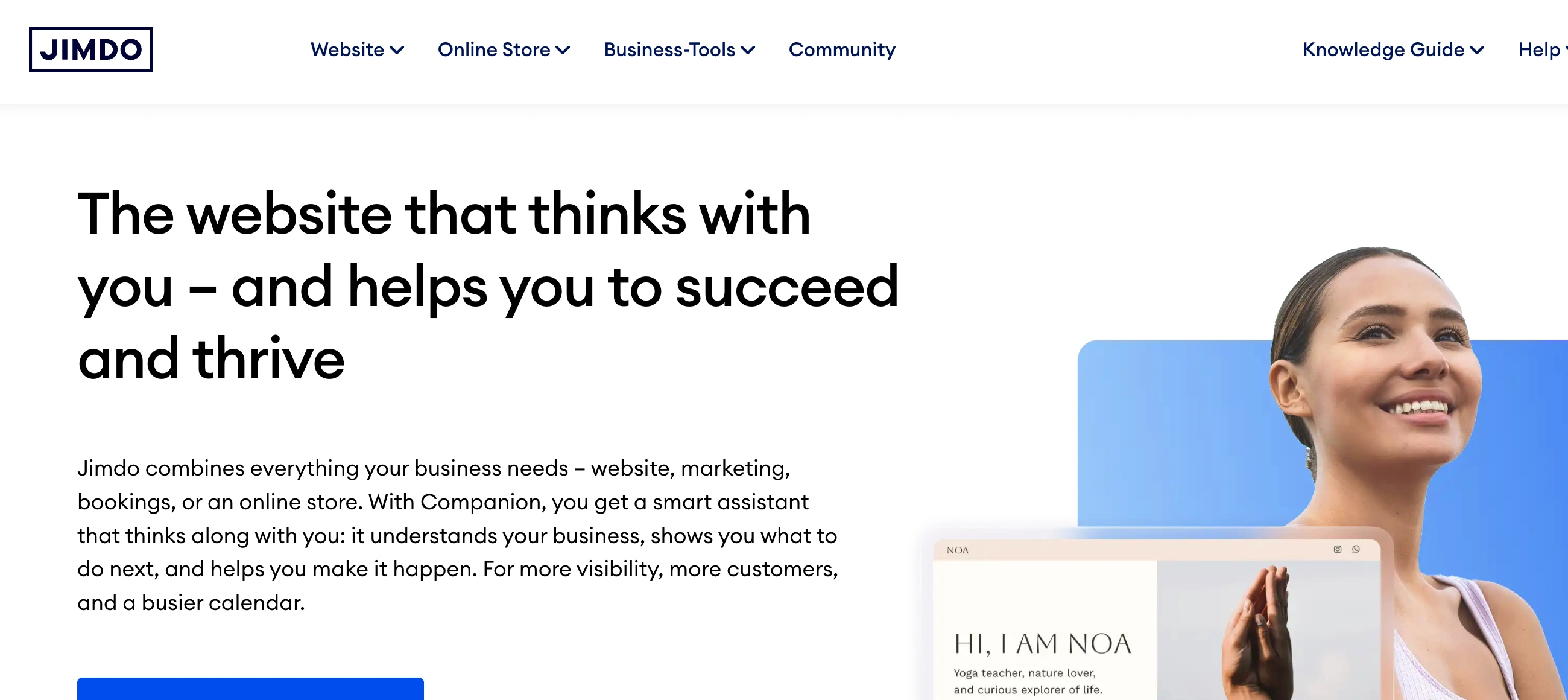
◐ Is Jimdo Right for You?
What it is: AI website builder that creates your site from questionnaire answers. No coding.
Best for: Solopreneurs and local businesses wanting their site live today.
Main limitation: Page caps force upgrades, can't blog, minimal customization.
Get it if: You need simple fast, not flexible complex.
Skip it if: Your strategy needs content marketing or you want design freedom.
✦ Why Jimdo?
Most website builders overwhelm you with template choices and design decisions. Jimdo asks questions and builds your site while you make coffee.
⏱ AI Does the Heavy Lifting
Answer questions about your business. The AI generates complete designs with actual content and images already placed. Pick one, tweak if needed, publish.
📱 Mobile Works Automatically
Every site adapts to phones without previewing or fixing layouts. This matters since most visitors browse on mobile now.
💰 Actually Usable Free Tier
Unlike "free trial" demos, Jimdo's free plan works indefinitely with HTTPS included. Real sites run on it for years.
🌍 Multilingual Without Plugins
Create pages in different languages directly in the editor. Each gets its own version. No workarounds needed.

✎ What Jimdo Users Typically Achieve
Sites Launch Same Day
That website you've been putting off? Done this afternoon. The AI handles design decisions that usually cause paralysis.
Mobile Visitors Get Good Experience
Your site looks professional on phones without mobile-specific work. No broken layouts or tiny text requiring pinching.
Simple Projects Work Well
Portfolios, small business info sites, event pages—Jimdo delivers clean and functional results for straightforward needs.
Where Friction Appears
Content marketing hits a wall without blogging. Customization feels restrictive when you want layouts beyond presets. E-commerce feels basic compared to dedicated platforms.
⚡ Here's what works: Use Jimdo for getting online quickly with minimal fuss. Save it for simple projects where speed beats flexibility.
⛭ How Jimdo Works
The setup feels like a conversation. Jimdo asks what you need, then handles the technical stuff.
Getting Started
Choose between AI-assisted (Dolphin) or manual template (Creator) editing. Most pick Dolphin. Answer questions about your business type, goals, and color preferences. The system generates two design options in about a minute. First-timers usually publish within an hour.
Editing Content
Click any section to edit text, swap images, or change layouts. Everything's organized in blocks—you can't freely drag elements around, which speeds editing but limits creative freedom. Add new blocks with one click.
Adding E-commerce
Upload product images, set prices, configure shipping, connect payment processors. The system handles checkout without transaction fees.
Domain Setup
Connect your custom domain or use the free one included first year on paid plans. Set up professional email addresses or forward to existing accounts.
⏻ Core Features & Performance
🎨 AI Dolphin Generator
Answer 8 questions. Get two complete website designs in 3 minutes with layout, colors, and placeholder copy. Works great for standard business sites.
📄 Plans & Page Limits
Free Play: 5 pages, 2GB bandwidth, 500MB storage, Jimdo subdomain. Start ($11/month): 10 pages, 5GB storage, custom domain free year one. Grow ($18/month): 50 pages, 15GB storage. Unlimited ($45/month): no caps. Hard limits—you can't create more pages than your plan allows.
🎯 SEO & Analytics
Customize page titles and meta descriptions. Connect Google Search Console with one click. Built-in stats track visitors and traffic sources. No schema markup or advanced SEO tools.
🛒 E-commerce
Basic plan ($18/month): product listings, checkout, inventory, all major payment methods, zero transaction fees. Business plan ($22/month adds product variants and discount codes. Handles around 80 products smoothly. Missing: abandoned cart recovery, subscription billing, digital downloads need workarounds.
🔌 Integrations
Smart Apps embed Calendly, YouTube, Pinterest, and about 15 other platforms. No HTML embed option. Integration depth is shallow.
What's Missing: Blogging, membership features, backup system, extensive templates, plugin marketplace, HTML/CSS access on Dolphin editor.
⍟ The Verdict: Our Assessment
7.2/10 - Jimdo excels at getting simple sites online fast. Feels constrained for anyone wanting growth room.
Bottom Line: Choose when speed beats flexibility. Skip if you'll outgrow basic limits.
✩ What Users Say: Reviews & Verified Experiences
User ratings: 3.9/5 on G2 (18 reviews), 4.2/5 on Capterra (310 reviews), 4.3/5 on Trustpilot.
✔ Pros: What Users Love
- Actually Fast: "I created my first website in under an hour. I didn't even need tutorials because the platform is so easy to use," enterprise customer on Capterra. Multiple users describe launching complete sites their first session.
- Zero Technical Barrier: "It could be said that it was created for people with little or no experience in web development," graphic design consultant on Capterra. Drag-and-drop eliminates CSS guesswork.
- Support Delivers: "Jimdo's team quickly solved an issue with my email account," long-time customer on Trustpilot. VIP plan users praise the response speed guarantee.
- Free Plan Works: Many users run functional sites for years without paying. The free tier handles portfolios and simple sites without feeling crippled.
✗ Cons: Common Complaints
- Page Caps Bite: "Those page limits on the paid plans?" WebsitePlanet reviewer questions. Users hit upgrade walls faster than expected.
- Customization Walls: "If you want to build a more complex website, Jimdo will push you to the limits," graphic design consultant with 2+ years experience. No HTML/CSS access frustrates users who know code.
- Blogging Absence: Multiple reviewers cite missing blogging as a dealbreaker for content marketing. Jimdo hasn't addressed this despite years of requests.
- Renewal Surprises: "They don't bother sending renewal invitations and instead just take a full year's subscription," G2 reviewer complains. Unexpected annual charges without notification.
⚠ 3 Critical Mistakes to Avoid
Mistake #1: Not Mapping Site Structure First
A local service business chose the basic paid plan assuming it was plenty. Once they added Home, About, each service as separate pages, Contact, Privacy Policy, Terms, FAQ, and location pages, they hit the limit before launch. Upgrading mid-project meant extra annual cost they hadn't budgeted.
🔧 Fix it: Map your complete site structure including legal pages before picking a plan. Count every page. Add buffer for future needs. If you're close to any limit, start one tier higher.
Mistake #2: Betting on Content Marketing
A freelance consultant built their site planning to attract clients through articles. After launch, they discovered zero blogging capability. Workarounds using regular pages broke SEO and made content painful to manage. They migrated to WordPress after wasting months.
🔧 Fix it: If content marketing drives your strategy, eliminate Jimdo immediately. The platform has no blogging infrastructure. Use WordPress.com, Wix, or Squarespace instead—all offer proper blogging even on free tiers.
Mistake #3: Assuming Design Freedom
A creative agency chose Jimdo for a client project assuming "website builder" meant full control. They couldn't position elements freely, couldn't access code, couldn't create custom layouts. The rigid structure made matching brand guidelines impossible. They rebuilt on Webflow at triple the cost.
🔧 Fix it: Test the free plan before committing to paid tiers or client work. Verify you can achieve your design vision within predefined layouts. If you need pixel-perfect control or custom animations, choose platforms with code access or full control.
FAQ
How does Jimdo pricing compare to competitors like Wix or Squarespace?
Jimdo sits mid-range with entry pricing competitive to Wix and Squarespace. The difference? Competitors offer unlimited pages on basic tiers while Jimdo caps you at specific limits per plan. For straightforward sites staying under the cap, pricing is fair. For larger sites or blogs, competitors deliver better value since Jimdo doesn't offer blogging at all.
Can I switch from Jimdo Dolphin to Jimdo Creator after building my site?
No. Once you pick Dolphin (AI-assisted) or Creator (manual), you're locked in permanently. Switching requires rebuilding from scratch. This decision happens during signup and can't be changed later. Test both using free plans before committing if you're unsure which editor fits long-term needs.
Does Jimdo support blogging or content marketing?
No. Jimdo Dolphin has zero blogging capabilities—no blog module, post categorization, RSS feeds, or comment systems. Workarounds using regular pages break SEO and lack proper blog functionality. If content marketing drives your business, eliminate Jimdo entirely. WordPress.com, Wix, Squarespace, and Blogger all offer proper blogging Jimdo cannot match.
What happens if I exceed my plan's page limit?
Jimdo enforces hard caps—you physically cannot create more pages than allowed. When you hit the limit, you must upgrade immediately to continue. No overage allowance or grace period. Calculate your complete site structure including legal pages before choosing a plan to avoid forced mid-project upgrades.
Is Jimdo suitable for e-commerce and online stores?
Jimdo works for very small, simple stores but lacks serious e-commerce features. Missing: abandoned cart recovery, subscription products, easy digital downloads, live shipping calculations, robust analytics. For simple physical product catalogs with straightforward shipping, it functions adequately. For anything more complex, dedicated platforms like Shopify or WooCommerce deliver better functionality at comparable costs.
How is customer support and what are response times?
Support quality varies by plan tier. Free plan: knowledge base only. Basic plans: email support with 1-2 day wait. Top tier: guaranteed 1-hour response plus phone access. Support is helpful when reached—agents provide practical solutions. The frustration is waiting days for urgent issues on lower-tier plans.
Suggestly
Find your best-fit B2B tool in 90 seconds
✓ Free personalized recommendations
✓ Based on YOUR business needs
✓ No signup required

Jimdo




