

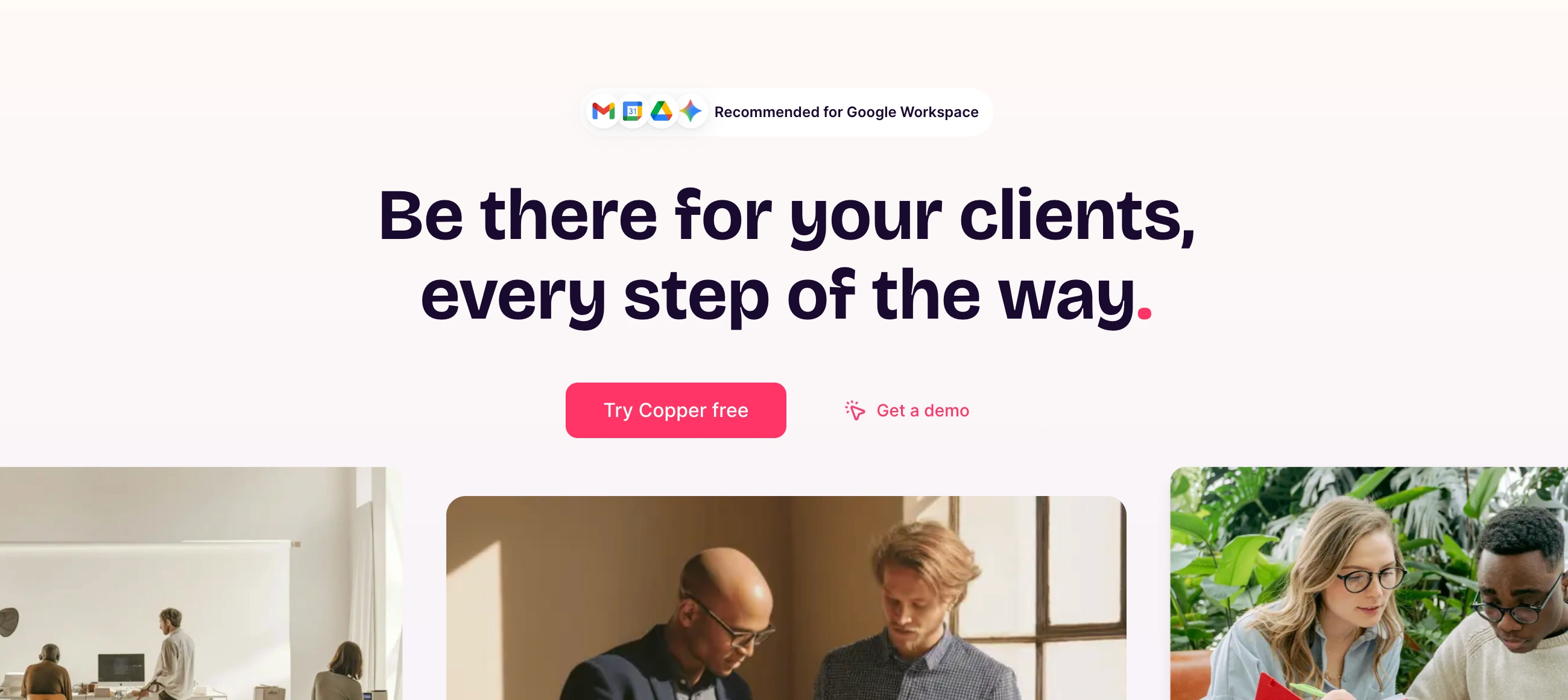
✨ Is Copper Right for You?
What it is: A CRM embedded directly into Gmail. Tracks contacts, conversations, and deals without ever leaving your inbox.
Best for: Service teams managing client relationships through email—consultants, agencies, real estate pros who live in Google Workspace.
Main limitation: Requires Google Workspace. No support for Outlook, Office 365, or mixed email environments.
Get it if: Your entire team uses Gmail as their primary workspace and you want relationship tracking that feels invisible.
Skip it if: Anyone on your team uses Outlook, you need multichannel outreach (LinkedIn/SMS), or you require enterprise-grade analytics.
🎯 Why Copper?
Sales teams lose context switching between inbox and CRM. Leads slip through cracks. Relationship history lives in scattered email threads. Copper solves this by making your inbox remember everything.
💰 Your CRM Lives Where You Actually Work
The Chrome extension surfaces contact info, deal stages, and conversation history directly in Gmail. Hover over a name while reading email—see every past interaction without clicking away. Create tasks and log notes without switching apps. Your workflow stays exactly the same, just smarter.
⏱️ Teams Go Live in Under an Hour
Connect your account, install the extension, and your contacts populate automatically from existing email. No data migration headaches. No training sessions. The interface mirrors Google's design language, so if your team knows Gmail, they know Copper.
🎨 Relationship Memory Builds Automatically
Copper captures contacts from email signatures, suggests people to add based on frequency, and logs conversations as they happen. Your database builds itself while you work normally.

📈 What Copper Users Typically Achieve
Manual Entry Becomes Ancient History
That habit of copying contact info and logging emails disappears. Copper captures everything as you work. Teams report admin time dropping significantly, though call note discipline still matters.
Single-App Workflows
Tab-switching between inbox and CRM stops. Everything happens in Gmail. One user described: "I can get a clear picture of my entire relationship from where I work - gmail." When your whole team operates this way, the efficiency compounds.
Actual Daily Usage
Unlike CRMs that collect dust, Copper gets opened because it doesn't require opening. Built into the tools teams use constantly means adoption isn't forced—it's natural.
Visual Sales Clarity
Deal tracking that makes immediate sense. Teams forecast better because pipeline visibility is constant, not buried in separate software they forget to check.
🛠️ How Copper Works
Think of it as Gmail with a photographic memory for relationships.
Setup
Sign in with Google Workspace credentials. Copper imports existing contacts from Gmail and Google Contacts. Install the Chrome extension—takes two minutes. Your inbox now displays CRM data: contact cards, deal info, upcoming tasks. Import legacy data via CSV if migrating from another system.
Daily Operations
You're in Gmail reading a prospect's email. Hover over their name—a card appears showing conversation timeline, attached Drive files, calendar meetings, and pipeline stage. Need to convert them to a deal? Click "Add opportunity" from the toolbar. Want to set a follow-up reminder? Create it inline—syncs to Calendar automatically. Phone call finished? Type your notes in the inbox panel and they attach to the contact record.
Managing Deals
Visual Kanban boards show opportunities moving through stages. Drag cards to update status. Set triggers to auto-assign new leads based on territory. Filter views show stuck deals or upcoming closes. Everything updates in real-time for your whole team.
⚙️ Core Features & Performance
📧 Server-Side Sync Architecture
Unlike bolt-on integrations, Copper's sync runs server-side with Google's APIs. Email threads automatically link to contacts. Calendar events sync bidirectionally. Drive files attach to deals with one click. Google Sheets reporting addon pulls live CRM data. The integration feels native because it is.
👥 Contact Intelligence
Custom fields capture industry-specific data. Tagging organizes your database. Each contact displays a 360-degree timeline: chronological emails, call notes, files, meetings. Copper suggests contacts based on email patterns. However, duplicate management frustrates users—merging requires manual cleanup and prevention isn't automatic.
📊 Multi-Pipeline Architecture
Run separate pipelines for sales, projects, and client onboarding simultaneously. Each pipeline gets custom stages with drag-and-drop reordering. Automatic timestamping tracks how long deals stay in each stage. Pipeline reports reveal velocity, win rates, and bottlenecks. Contact storage limits scale by tier: Starter (1,000), Basic (2,500), Professional (15,000), Business (unlimited).
🤖 Workflow Engine
Triggers fire based on deal stage changes, field updates, or time delays. Actions include auto-assigning owners, updating fields, creating tasks, and sending team notifications. Email templates reduce repetitive typing. Bulk sending (Professional tier and up) handles campaigns. Drip sequences exist but lack sophistication compared to dedicated marketing platforms. Power users extend via Zapier integration, though that adds subscription costs.
📱 Mobile Apps
iOS and Android versions provide core functionality on-the-go. Business card scanning captures contact info. Call logging, deal updates, and contact access work reliably. Some desktop features don't translate to mobile, but essential operations run smoothly for field teams.
📈 Analytics Limitations
Standard reports cover pipeline health, activity metrics, and conversion rates. Custom reporting requires Business tier. Forecasting tools lag enterprise platforms. Teams needing sophisticated BI often supplement with external analytics tools.
📊 The Verdict: Our Assessment
8.5/10 - Unmatched inbox integration and adoption ease. Best-in-class for small Google teams. Struggles with platform flexibility and advanced capabilities.
⚠️ Trade-offs: Platform lock-in to Google ecosystem. Multichannel gaps (no LinkedIn/SMS/WhatsApp native). Advanced features require tier upgrades. Outgrow potential at scale.
⚠️ Skip if: Mixed email environment with Outlook users, need for sophisticated forecasting, contact enrichment requirements, or planned growth beyond 30-40 team members.
💬 What Users Say: Reviews & Verified Experiences
User ratings: 4.5/5 on G2 (1,150+ reviews), 4.4/5 on Capterra (620+ reviews), 4.1/5 on Trustpilot.
👍 Pros: What Users Love
- Inbox Magic: "Gmail integration is my favorite feature of Copper. It makes it easy to add new leads, people, etc... I also love the task tool and how it integrates with Gmail and Calendar," says a verified user on Copper's site.
- Seamless Daily Use: "We have been Google Apps/G Suite/Workspace users for a long time. This CRM piggy backs right on top of that tool in a seamless way. It adds to our daily routine workflow for communication and almost makes CRM automatic."
- Adoption Winner: "I've used a lot of CRMs, from Salesforce to Pipedrive. Copper is hands down the best. Easy to use, easy for the team to adopt but still very powerful under the hood," shares a Capterra reviewer.
- Time Saver: "Automated data entry. Pre-populates a lot of my contacts data so adding new leads is a simple point and click. The gmail integration is amazing."
👎 Cons: Common Complaints
- Analytics Fall Short: Multiple users cite limited reporting. "Some report limitations with integration, reporting capabilities, and advanced automation features," notes a GetApp reviewer.
- Email Sequences Disappoint: Jeff N., CEO on Capterra: "I tried automated drip marketing. Too hard to set up and it didn't really work."
- Tier Trap: Operations Coordinator on Capterra: "The basic plan is not good enough so you need at least the mid tier plan which may be expensive if you don't want to expend too much money."
- Duplicate Frustration: "Import function needs work in the area of duplicate management and add/overwrite tags."
- Outgrown Quickly: Verified G2 user in Computer Software: "Too simple, without room for development. Missing features. Unfriendly company. We no longer use it."
- API Headaches: Christian T., Solution Engineer on Capterra: "Copper APIs could use some improvement. Their APIs are sometimes clunky, takes a bit of trial and error to figure out."
- Support Inconsistency: Trustpilot review: "Copper seems built for performance first, and actual human support dead last. I begged for help for days—no live support, no quick access to a real person."
🚫 3 Critical Mistakes to Avoid
Mistake #1: Starting Too Cheap Then Upgrading
Starter tier ($9/user monthly, $12 monthly billing) caps at 1,000 contacts with zero workflow capabilities. Basic ($23/user annually, $29 monthly) adds pipelines but still lacks automation or bulk email. You're paying twice—once for discovery, then for functionality.
⚠️ Fix it: Jump to Professional ($59/user annually, $69 monthly) from day one if you need workflows or team features. For 10 users on annual billing, budget $590 monthly. Business tier ($99/user annually, $134 monthly) runs $990 monthly for 10 users and adds unlimited contacts plus custom analytics.
Mistake #2: Assuming Any Google Integration Means Outlook Works
The architecture is Google-exclusive by design. No Outlook connector exists. No Office 365 bridge is planned. Teams with mixed email can't use Copper—period.
⚠️ Fix it: Audit your team's actual email setup before committing. One Outlook holdout kills the entire investment. Consider Pipedrive, HubSpot, or NetHunt for mixed environments.
Mistake #3: Ignoring Growth Trajectory
Teams of 8-15 people love Copper. At 25 people, limitations surface. By 35-40 people, teams face migration to Salesforce or HubSpot—data export pain, workflow rebuilding, retraining costs.
⚠️ Fix it: If headcount is projected to exceed 30 within 18 months, choose a platform with scaling headroom now. Migration later erases the simplicity advantage you gained initially.
FAQ
Works with Outlook?
No. Google Workspace exclusive. Zero Outlook or Office 365 support.
Real cost for 10 people?
Starter/Basic are too limited. Professional tier ($590/month annual for 10) is where functional use starts. Business tier ($990/month for 10) adds unlimited contacts and custom reports.
LinkedIn or SMS outreach?
No native multichannel. Email-only platform. Requires third-party tools for LinkedIn/SMS.
Reporting vs enterprise CRMs?
Basic analytics only. Custom forecasting requires Business tier. Teams needing sophisticated BI supplement with external tools.
Adoption rate reality?
High because it lives in Gmail. Same-day deployment typical. No formal training needed.
Outgrowing Copper?
Common at 30-50 person scale. Migration to Salesforce/HubSpot involves data export, workflow recreation, team retraining.
Suggestly
Find your best-fit B2B tool in 90 seconds
✓ Free personalized recommendations
✓ Based on YOUR business needs
✓ No signup required

Copper




